
-
×
 YH 25 PS4 Multifunctional Heat Dissipation Charging Bracket
1 × 12.900 OMR
-
×
 Coopic 18X Digital Camera C900
1 × 39.800 OMR
-
×
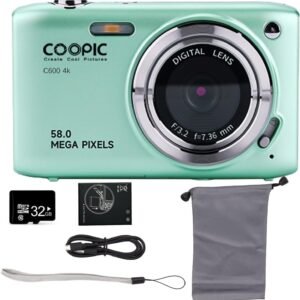 Coopic 8X Digital Camera C600
1 × 29.800 OMR
-
×
 Denx 2 in 1 Hot Air Brush DX1353
1 × 6.900 OMR
-
×
 BOYA BY WM4 PRO K3 2.4GHz WIRELESS MICROPHONE SYSTEM
1 × 49.900 OMR
-
×
 Lizze Face Ladies Shaver
1 × 8.900 OMR
-
×
 ماكينة حلاقة الشعر اللاسلكية الاحترافية من كيمي KM-Max5090
1 × 6.900 OMR
-
×
 مكبر صوت الحفلات المحمول JBL Club 130 أبيض
1 × 139.900 OMR
-
×
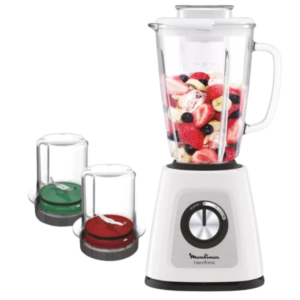 خلاط مولينكس بليند فورس الزجاجي 700 واط LM438127
1 × 24.900 OMR
-
×
 ماكينة قص الشعر الاحترافية كيمي KM-2268
1 × 22.900 OMR
-
×
 Dlc Glass Tea Pot With Filter 1L 36416
1 × 3.500 OMR
-
×
 لوحة مفاتيح MK 816 بإضاءة 61 مفتاحًا
1 × 32.000 OMR
-
×
 Cleo-EL Windshield Cleaner W7100
1 × 1.500 OMR
-
×
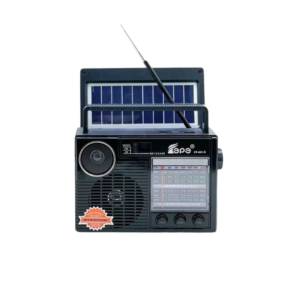 راديو محمول Cleo-EL بنطاقات AM/FM/SW1 (طراز FP-601S)
1 × 4.900 OMR
-
×
 Cleo-TY Metal Car Mercedes Benz 500K 1901-350AP Size 1.24
1 × 5.900 OMR
-
×
 Plaud Note Pro ( The world's Most Advanced AI Note Taker )
1 × 79.900 OMR
-
×
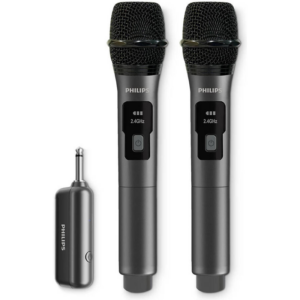 ميكروفون لاسلكي مزدوج من فيليبس DLM3401TP/00
1 × 28.900 OMR
-
×
 مستعمل نوكيا 3109
2 × 17.900 OMR
-
×
 CASIO FX-85MS CALCULATOR
1 × 4.800 OMR
-
×
 BOYA BY WM8 PRO K2 UHF DUAL CHANNEL WIRELESS MICROPHONE
1 × 76.800 OMR
-
×
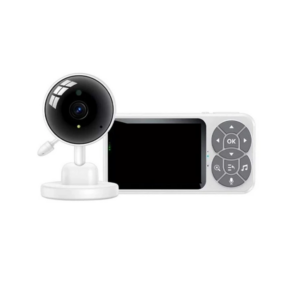 جهاز مراقبة الأطفال اللاسلكي Yesido KM26
1 × 22.900 OMR
-
×
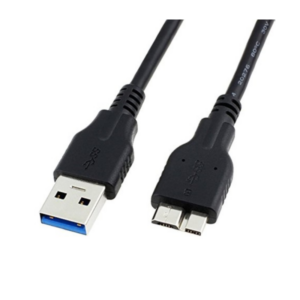 كابل عالمي USB 3.0 إلى Micro
1 × 3.000 OMR
-
×
 Haino Teko USB To Type C Cable 3M
1 × 1.900 OMR
-
×
 ماكينة حلاقة كهربائية هاوهان HT-2
1 × 3.900 OMR
-
×
 Rock R4 Multi Function Rollable Keyboard
1 × 4.000 OMR
-
×
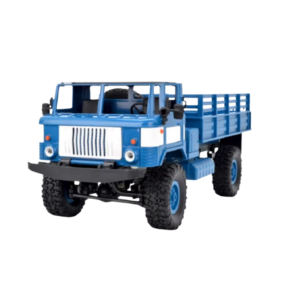 شاحنة عسكرية تعمل بالتحكم عن بعد Cleo-TY طراز B-24
1 × 14.900 OMR
-
×
 YH 31 PS4 2 in 1 Charging Heat Sink
1 × 11.900 OMR
-
×
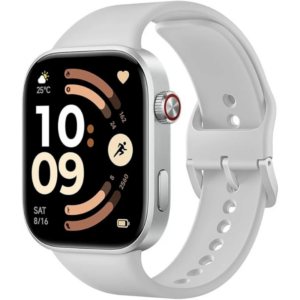 ساعة ريدمي M2523 الذكية 6 باللون الرمادي الفضي
1 × 34.900 OMR
المجموع: 714.200 OMR
 أقل سعر
 الخدمة والإصلاح


 أحدث


لا توجد مراجعات حتى الآن.