1. **Power Off the Printer**: Start by turning off the printer and allowing it to cool down if it has been in use recently. Wait for the printer to completely power down before proceeding to the next steps.
2. **Open the Printer Cover**: Locate the printer cover or front panel of your Canon LBP6000/6030 or MF3010 printer. Depending on the model, there might be a button or latch to release the cover. Lift or open the cover to access the cartridge compartment.
3. **Remove the Old Cartridge**: Once the cover is open, you should see the toner cartridge inside the printer. Carefully grasp the handle or tab of the old cartridge and gently pull it towards you to remove it from the printer. Be cautious not to touch the drum or any sensitive parts of the cartridge.
4. **Prepare the New Cartridge**: Unbox the new Canon Cartridge 725 and remove any packaging materials or protective tapes. Hold the cartridge by its handle or sides, and gently shake it from side to side to evenly distribute the toner inside.
5. **Install the New Cartridge**: Align the new cartridge with the cartridge slot inside the printer, making sure it fits securely into place. Push the cartridge firmly until it clicks or locks into position. Close the printer cover securely.
6. **Power On the Printer**: Turn on the printer and wait for it to initialize. The printer may take a moment to recognize the new cartridge and prepare for printing.
CLEO PLASTIC RECORDER
APPLE IPAD Pro 12.9 Inch 4TH GEN SMART KEYBOARD FOLIO
Cleo-TY Remote Control Car Sneak Conqueror HT-UJ991215B
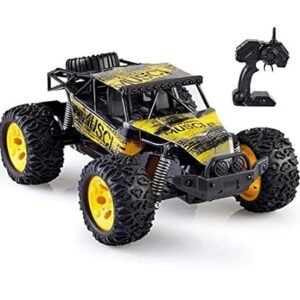
TIAN DU FAST CAR REMOTE CONTROL TOYS
SONY PS4 UFC 4 GAME CD
WAHL 8173 700 5 Star Vanish Professional Shaver
PROFESSIONAL STREAMING PLAYER STAND L1
Kemei KM-i32 Professional Hair Clipper
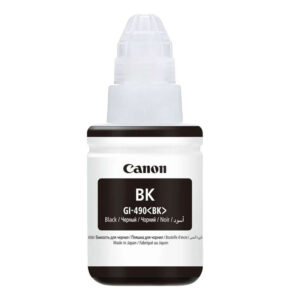
Canon GI-490 Cyan Ink
Sony PS5 DualSense Charging Station
لعبة Marvel's Wolverine لجهاز Sony PS5 (نسخة الأقراص)
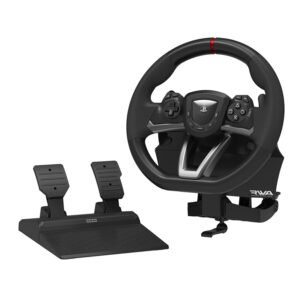
HORI PS5 RWA RACING WHEEL APEX
CANON PIXMA 511 COLOR CARTRIDGE
أقل سعر
الخدمة والإصلاح
أحدث


لا توجد مراجعات حتى الآن.