
 أقل سعر
 الخدمة والإصلاح

 أحدث
أحدث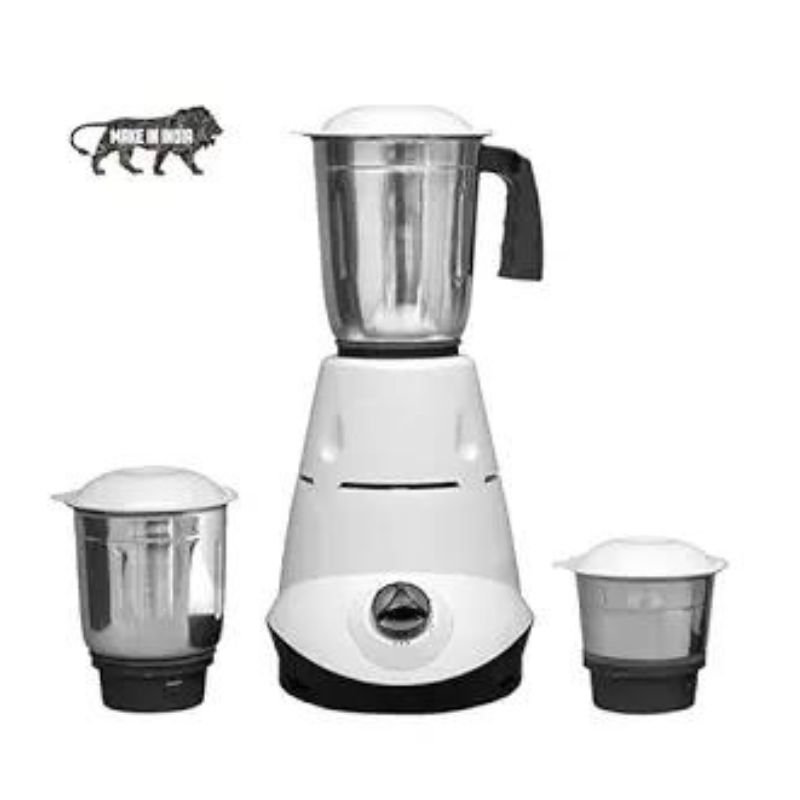
BlueBerry’s Kitchmate 550W Mixer
SKU: BlueBerry's Kitchmate 550W Mixer
متوفر في المخزون
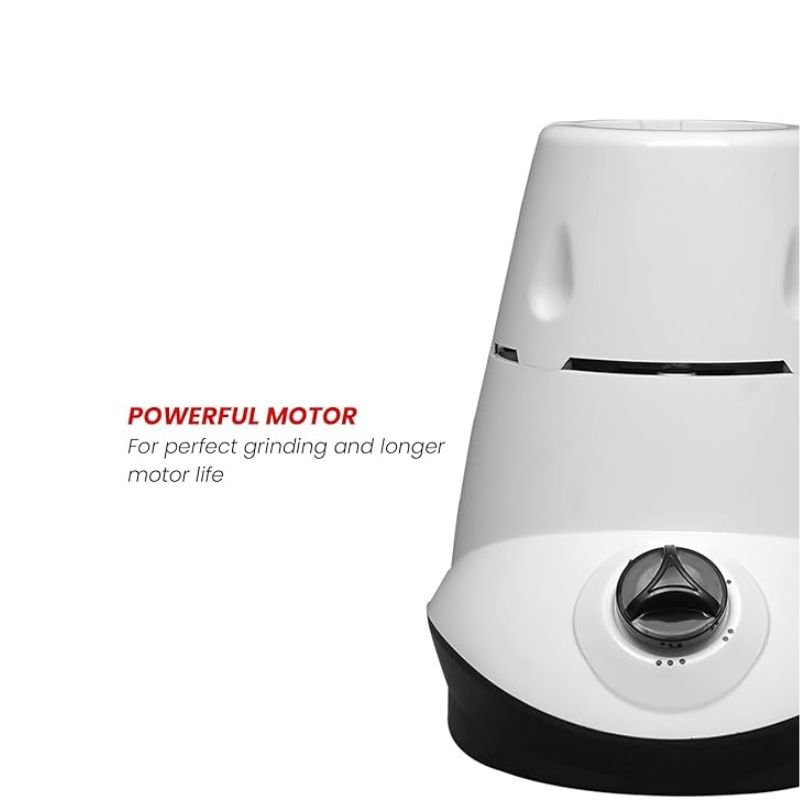
BlueBerry’s Kitchmate 550W Mixer is a versatile kitchen appliance designed to simplify food preparation tasks. With its powerful 550W motor, it effortlessly blends, mixes, and grinds ingredients to perfection. Featuring multiple speed settings and durable stainless steel blades, it ensures efficient and precise results every time. Whether you’re whipping up smoothies, kneading dough, or grinding spices, the BlueBerry’s Kitchmate 550W Mixer is your reliable kitchen companion for all culinary needs.
12.900 OMR
متوفر في المخزون
1. **Setup**:
– Place the BlueBerry’s Kitchmate 550W Mixer on a clean, dry, and stable surface in your kitchen. Ensure that the power cord is within reach of a power outlet.
2. **Attach Accessories**:
– Depending on your cooking needs, attach the appropriate accessory such as the mixing blade or dough hook to the main unit of the mixer. Ensure it locks into place securely.
3. **Add Ingredients**:
– Place the ingredients you wish to mix or blend into the mixing bowl or attachment. Be careful not to exceed the recommended capacity to prevent spills or overloading the mixer.
4. **Select Speed Setting**:
– Choose the desired speed setting on the mixer based on the consistency of your ingredients and the recipe requirements. Start with a low speed and gradually increase as needed.
5. **Start Mixing**:
– Turn on the mixer by adjusting the speed control dial or pressing the power button. Hold the mixer steady and allow it to mix or blend the ingredients until they are thoroughly combined or the desired texture is achieved.
6. **Cleaning and Maintenance**:
– After use, switch off the mixer and unplug it from the power outlet. Detach the accessories and clean them thoroughly with warm, soapy water. Wipe down the main unit with a damp cloth and allow all parts to dry completely before storage.
لا توجد مراجعات حتى الآن.