
-
×
 PROFESSIONAL STREAMING PLAYER STAND L1
1 × 13.900 OMR
المجموع: 13.900 OMR
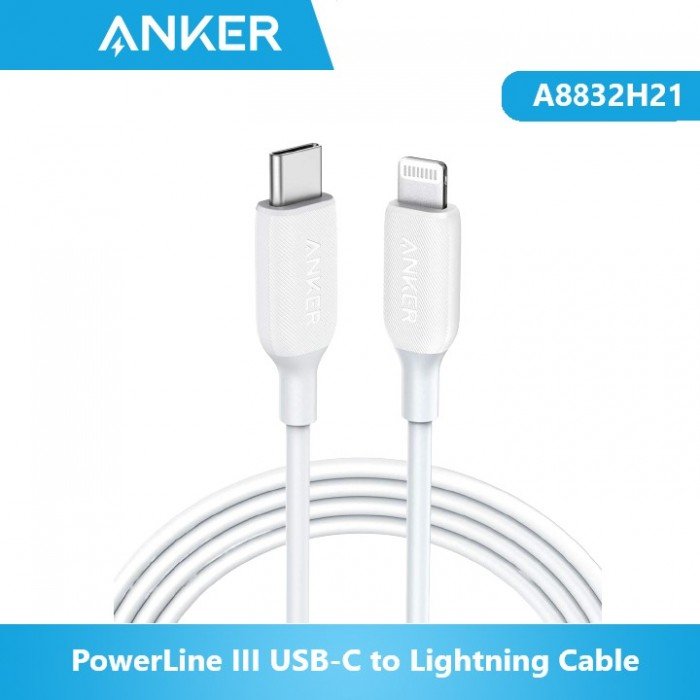
SKU: ANKER Cable A8832H21 POWER LINE USB C TO LIGHTNING DATA CABLE
غير متوفر في المخزون
The ANKER Cable A8832H21 PowerLine USB-C to Lightning Data Cable offers a reliable and efficient solution for charging and data transfer. With a USB-C connector on one end and a Lightning connector on the other, it allows you to connect your iPhone, iPad, or iPod to a USB-C port for fast charging or syncing. The PowerLine design ensures durability and longevity, while the cable’s length provides flexibility for various setups. Perfect for home, office, or on-the-go use, this cable ensures seamless connectivity and performance.
غير متوفر في المخزون
1. **Identify Connectors**:
– Familiarize yourself with the USB-C and Lightning connectors on the cable.
– The USB-C end connects to your power source or computer, while the Lightning end connects to your iPhone, iPad, or iPod.
2. **Connect USB-C End**:
– Plug the USB-C connector into a USB-C port on your power adapter, power bank, or computer.
3. **Connect Lightning End**:
– Plug the Lightning connector into the Lightning port on your iPhone, iPad, or iPod securely until it clicks into place.
4. **Power On**:
– Ensure that the power source is turned on if you’re charging your device.
– If you’re transferring data, make sure your device is unlocked and recognized by the computer.
5. **Charging or Data Transfer**:
– If you’re charging your device, it should start charging automatically once connected.
– For data transfer, follow the prompts on your device and computer to initiate the process.
 أقل سعر
 الخدمة والإصلاح


 أحدث
لا توجد مراجعات حتى الآن.