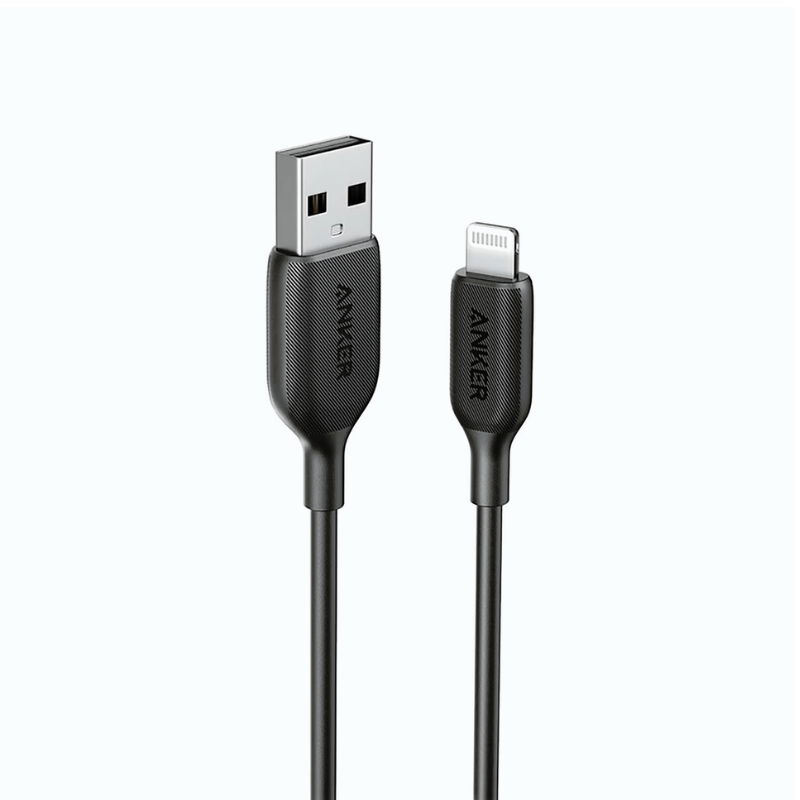
1. **Connect the Lightning End**:
– Insert the Lightning connector end of the cable into the Lightning port on your iPhone, iPad, or iPod securely until it clicks into place.
2. **Connect the USB-C End**:
– Plug the USB-C connector end of the cable into a USB-C port on your charger, power bank, or computer.
3. **Charging**:
– Ensure that your power source is turned on.
– Once connected, your device should start charging automatically. You can check the charging status on your device’s screen.
4. **Data Transfer**:
– To transfer data between your device and a computer, connect the USB-C end of the cable to a USB-C port on your computer.
– Your device should prompt you to trust the computer. Follow the on-screen instructions if necessary.
– Once connected, you can access your device’s files and transfer data between your device and the computer.
5. **Disconnecting**:
– When you’re finished charging or transferring data, gently pull out the connectors from both your device and the power source.
– Store the cable in a safe place to prevent damage and tangling.

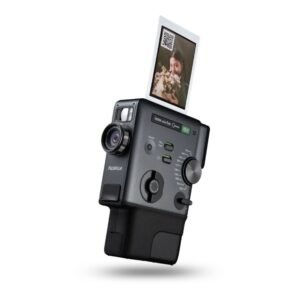 Fujifilm Instax Mini Evo Cinema Hybrid Instant Camera
2 × 154.900 OMR
Fujifilm Instax Mini Evo Cinema Hybrid Instant Camera
2 × 154.900 OMR 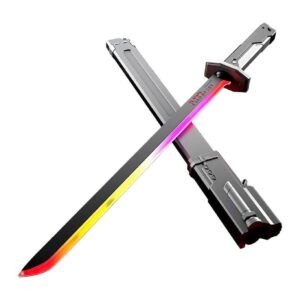 Cleo-TY Sparkblade LED Samurai Katana Toy 8899Y1
2 × 9.900 OMR
Cleo-TY Sparkblade LED Samurai Katana Toy 8899Y1
2 × 9.900 OMR  Baseus Wireless Headset A0203A07 Bass Bh1 NC Black
2 × 11.500 OMR
Baseus Wireless Headset A0203A07 Bass Bh1 NC Black
2 × 11.500 OMR  فيلم زجاجي لعدسة كاميرا آي فون 11 برو المعدني من USAMS
1 × 1.900 OMR
فيلم زجاجي لعدسة كاميرا آي فون 11 برو المعدني من USAMS
1 × 1.900 OMR  أقل سعر
 الخدمة والإصلاح

لا توجد مراجعات حتى الآن.