
-
×
 حامل الشحن DOBE PS4 TP4 TP4 023B
1 × 6.900 OMR
حامل الشحن DOBE PS4 TP4 TP4 023B
1 × 6.900 OMR
المجموع: 6.900 OMR
SKU: 40108000030
غير متوفر في المخزون
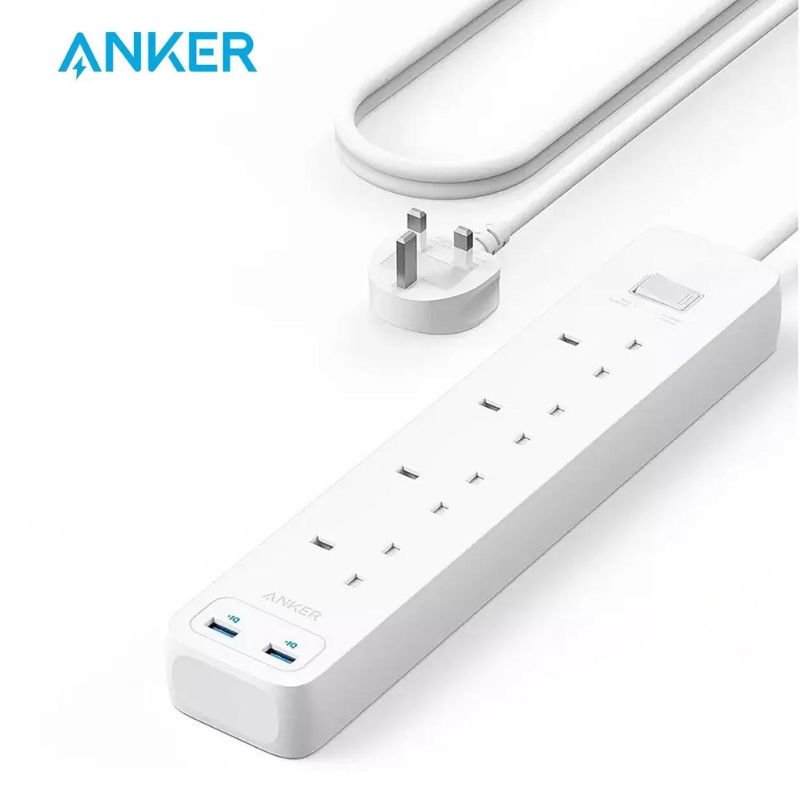
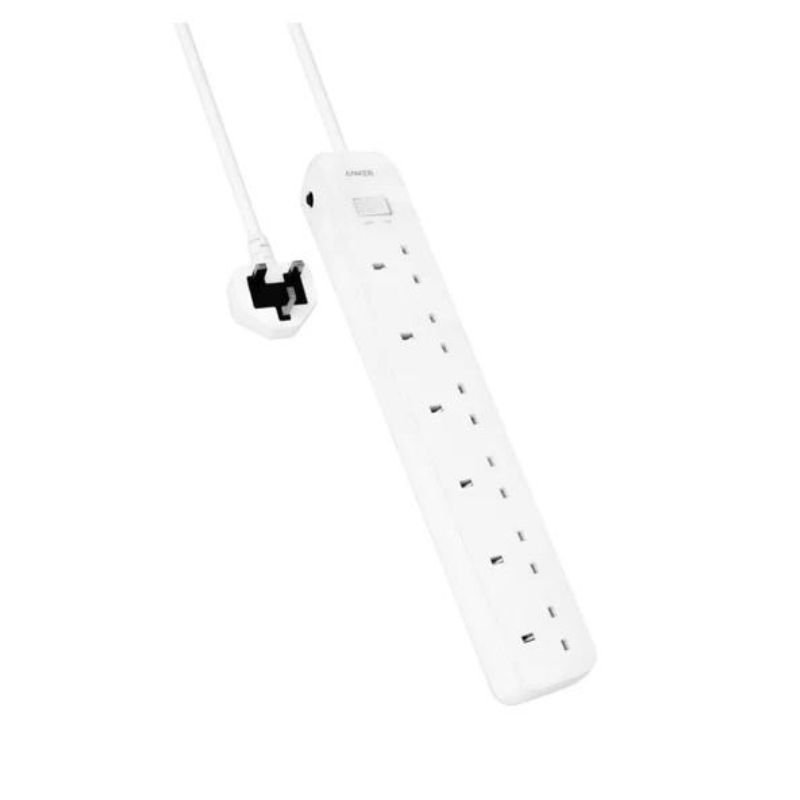
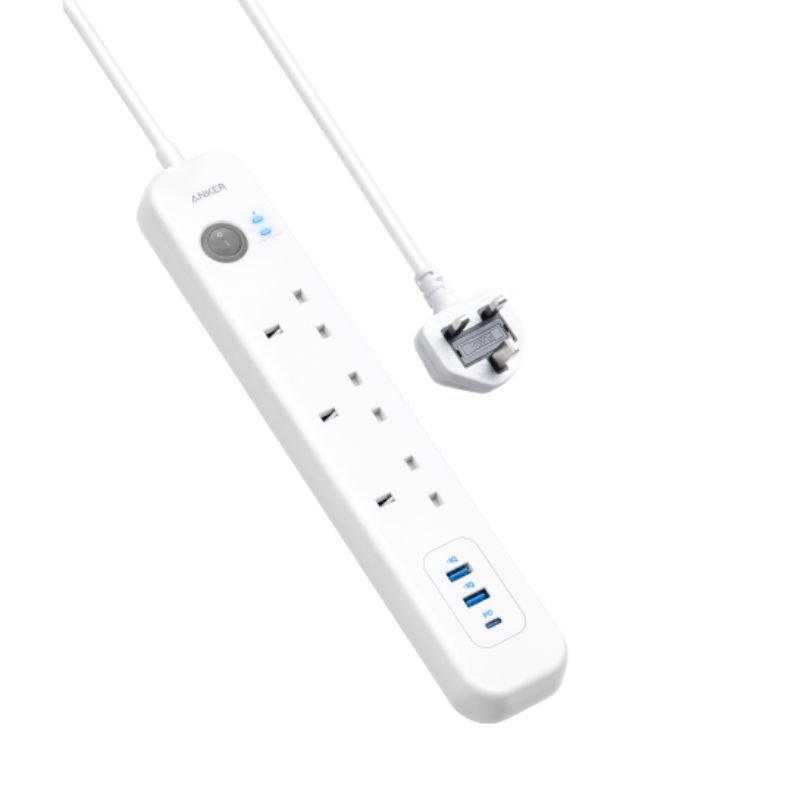
The ANKER A9142K21 322 USB Power Strip is a versatile and convenient power solution that combines six AC outlets with three USB ports. With its compact design, it provides ample power for charging multiple devices simultaneously while safeguarding against power surges. Ideal for home, office, or travel use, it offers reliable power distribution and charging capabilities in a single, easy-to-use unit.
1. **Unbox the Power Strip**: Carefully open the packaging of the ANKER A9142K21 322 USB Power Strip. Ensure all components are present and undamaged.
2. **Inspect the Power Strip**: Check the power strip for any visible defects or damage. Ensure that all outlets, USB ports, and other features are intact and functional.
3. **Choose Placement**: Select a suitable location to place the power strip. Consider factors such as proximity to power sources, accessibility, and the number of devices you plan to connect.
4. **Plug into Power Source**: Connect the power strip to a wall outlet or power source using the attached power cord. Ensure that the power strip is securely plugged in and that the cord is not damaged.
5. **Turn On Power**: If the power strip has an on/off switch, turn it on. This will activate the power strip and make the outlets and USB ports ready for use.
6. **Connect Devices**: Plug your electronic devices into the available outlets on the power strip. Ensure that you do not exceed the maximum power rating of the power strip or overload any individual outlet.
7. **Utilize USB Ports (If Applicable)**: If you have devices that can be charged via USB, use the USB ports on the power strip to charge them. Make sure to use compatible cables and avoid overloading the USB ports.
8. **Organize Cables**: Arrange the cables of your connected devices neatly to prevent tangling and reduce the risk of tripping hazards. You may use cable organizers or clips to keep the cables tidy.
9. **Test Functionality**: Test each outlet and USB port to ensure they are providing power to your devices correctly. If any issues are detected, double-check connections and device compatibility.
10. **Safety Precautions**: Avoid exposing the power strip to water or extreme temperatures. Do not cover the power strip while in use, as it may cause overheating. Regularly inspect the power strip for signs of wear or damage.
11. **Unplug Devices When Not in Use**: To conserve energy and reduce the risk of electrical hazards, unplug devices from the power strip when they are not in use.
12. **Power Strip Maintenance**: Periodically clean the power strip to remove dust and debris that may accumulate. Avoid using abrasive cleaners or solvents, as they may damage the device.
Following these steps will help you safely and effectively set up and use the ANKER A9142K21 322 USB Power Strip 6-in-1 Power Extension to power and charge your electronic devices.
 أقل سعر
 الخدمة والإصلاح

 أحدث
أحدث
لا توجد مراجعات حتى الآن.