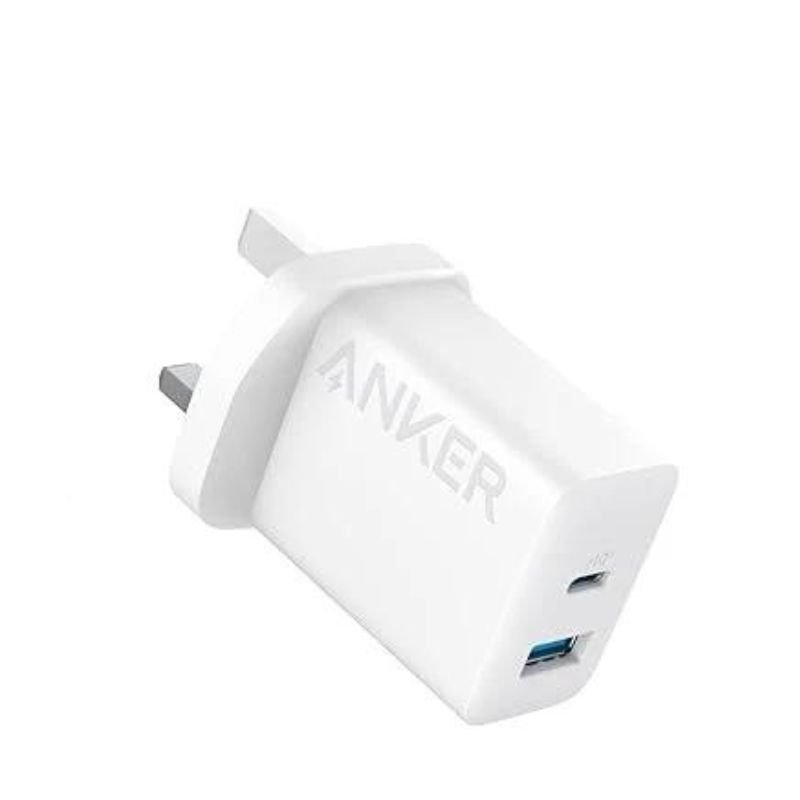
1. **Plug in the Adapter**:
– Locate a power outlet or socket near your charging area.
– Insert the adapter’s prongs firmly into the outlet until it’s securely in place.
2. **Connect Your Devices**:
– Identify the USB-C ports on the adapter.
– Plug one end of your device’s USB-C charging cable into one of these ports.
3. **Connect to Your Device**:
– Plug the other end of the cable into your smartphone, tablet, or any other USB-C compatible device.
– If you have another device to charge simultaneously, repeat this step for the second USB-C port.
4. **Power On**:
– Once your devices are connected, the adapter will automatically start supplying power to them.
– Your devices should indicate that they are charging. If they support fast charging, they will charge at the maximum supported rate provided by the adapter.
5. **Charging Complete and Disconnect**:
– When your devices are fully charged or you no longer need to charge, unplug the charging cables from your devices first.
– Then, unplug the adapter from the power outlet or socket and store it safely for future use.

 KALIMBA 17 KEYS FINGER PIANO
1 × 13.800 OMR
 BOYA LARGER DIAPHRAGM CONDENSER MICROPHONE BY M1000
1 × 38.800 OMR
 BOYA BY WM8 PRO K2 UHF DUAL CHANNEL WIRELESS MICROPHONE
1 × 76.800 OMR
 BOYA WIRELESS MICROPHONE BY WM4 PRO
1 × 47.900 OMR
 أقل سعر
 الخدمة والإصلاح


 أحدث

لا توجد مراجعات حتى الآن.