1. **Charging the Power Bank:**
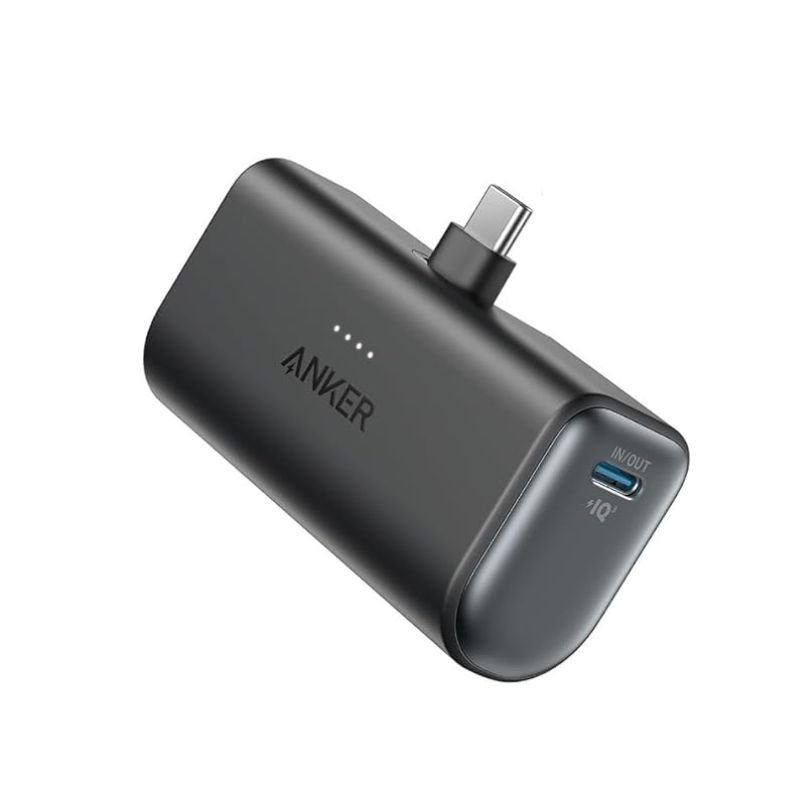
– Connect the included USB-C cable to the USB-C input port on the power bank.
– Plug the other end of the USB-C cable into a USB power source such as a wall adapter or a computer.
– The LED indicator lights on the power bank will illuminate to show that it’s charging. Wait until all LED indicators are solid to indicate a full charge.
2. **Charging Devices with Built-in USB-C Connector:**
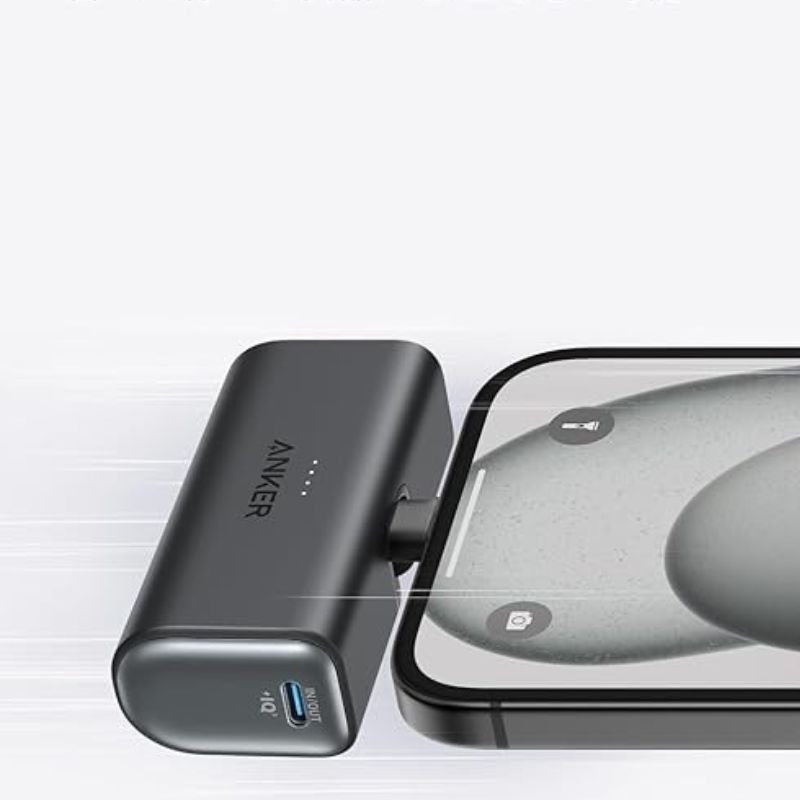
– Locate the built-in USB-C connector on the power bank.
– If your device has a USB-C input port, simply plug the built-in USB-C connector directly into your device’s port.
3. **Charging Devices with Other Connectors:**
– If your device doesn’t have a USB-C input port, you can use a separate cable that is compatible with your device.
– Connect one end of the compatible cable to the appropriate output port on the power bank (usually USB-A).
– Plug the other end of the cable into your device’s charging port.
4. **Checking Battery Level:**
– Press the power button on the power bank to check the remaining battery level.
– The LED indicator lights will display the remaining battery capacity.
5. **Turning Off the Power Bank:**
– To conserve battery power when not in use, press and hold the power button until the LED indicator lights turn off.
6. **Recharging the Power Bank:**
– When the power bank runs out of battery, repeat step 1 to recharge it.

 Braun Hair Straightner ST710
1 × 28.800 OMR
Braun Hair Straightner ST710
1 × 28.800 OMR  قرص مدمج للعبة سوني PS4 mdievil
1 × 11.000 OMR
قرص مدمج للعبة سوني PS4 mdievil
1 × 11.000 OMR 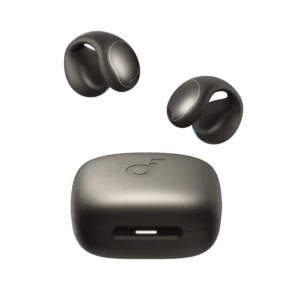 Anker Earbuds A331HZ1 Soundcore C40i Grey
1 × 24.900 OMR
Anker Earbuds A331HZ1 Soundcore C40i Grey
1 × 24.900 OMR  CPT 3D Joints Massager
1 × 7.400 OMR
CPT 3D Joints Massager
1 × 7.400 OMR 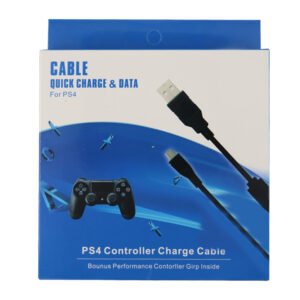 USB DATA CABLE PS4
1 × 1.900 OMR
USB DATA CABLE PS4
1 × 1.900 OMR  PROFESSIONAL STREAMING PLAYER STAND L1
1 × 13.900 OMR
PROFESSIONAL STREAMING PLAYER STAND L1
1 × 13.900 OMR  أقل سعر
 الخدمة والإصلاح

لا توجد مراجعات حتى الآن.