
-
×
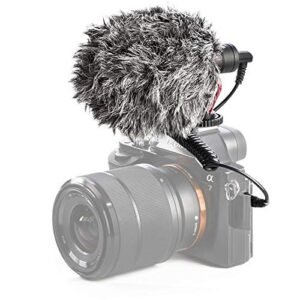 ميكروفون كاندك DC C9 كارديويد ميكروفون
1 × 3.500 OMR
-
×
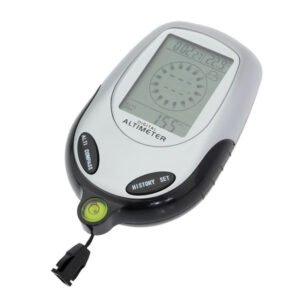 Multifunctional Digital Altimeter
1 × 6.400 OMR
-
×
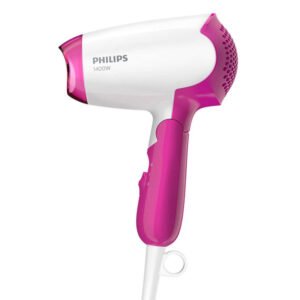 PHILIPS BHD 003 HAIR DRYER
1 × 7.900 OMR
-
×
 Meind 35 CB200 Car Power Adaptor
1 × 4.500 OMR
-
×
 Cleo-TY Small Train Aroma Diffuser HT4307 J045
1 × 6.800 OMR
-
×
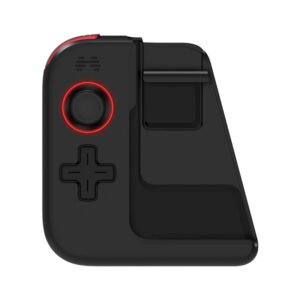 HUAWEI BETOP G1 GAME CONTROLLER
1 × 3.950 OMR
-
×
 مشبك الهاتف المحمول DOBE PS4 TP4 TP4 016 CLAMP
1 × 1.900 OMR
-
×
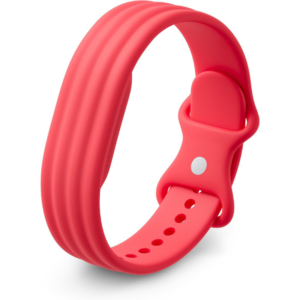 سوار جوجل فيتبيت إير أكتيف باند بيري المصنوع من السيليكون
1 × 20.900 OMR
-
×
 CANON GI-41 MAGENTA INK
1 × 4.800 OMR
-
×
 قارئ بطاقات أومنيكي 3121
2 × 7.900 OMR
-
×
 3713 ج موسيقى جيتار 3713 ج
1 × 3.800 OMR
-
×
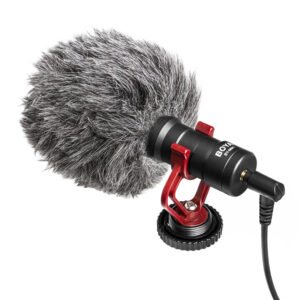 بويا بواسطة ميكروفون MM1
1 × 3.500 OMR
-
×
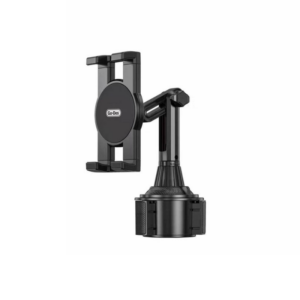 حامل تابلت للسيارة من Go-des GD HD313
1 × 4.500 OMR
-
×
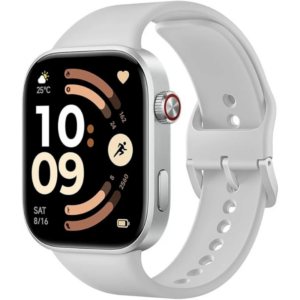 ساعة ريدمي M2523 الذكية 6 باللون الرمادي الفضي
1 × 34.900 OMR
-
×
 Sony PS5 The Pathless Game CD
1 × 15.800 OMR
-
×
 CPT 73228 1-24 CHEVY BELAIR BLACK
1 × 7.900 OMR
-
×
 APPLE IPAD Pro 12.9 Inch 4TH GEN SMART KEYBOARD FOLIO
1 × 94.900 OMR
المجموع: 241.750 OMR
 أقل سعر
 الخدمة والإصلاح


 أحدث
لا توجد مراجعات حتى الآن.