
-
×
 فيلم زجاجي لعدسة كاميرا آي فون 11 برو المعدني من USAMS
1 × 1.900 OMR
فيلم زجاجي لعدسة كاميرا آي فون 11 برو المعدني من USAMS
1 × 1.900 OMR
المجموع: 1.900 OMR
SKU: 020206000122
متوفر في المخزون
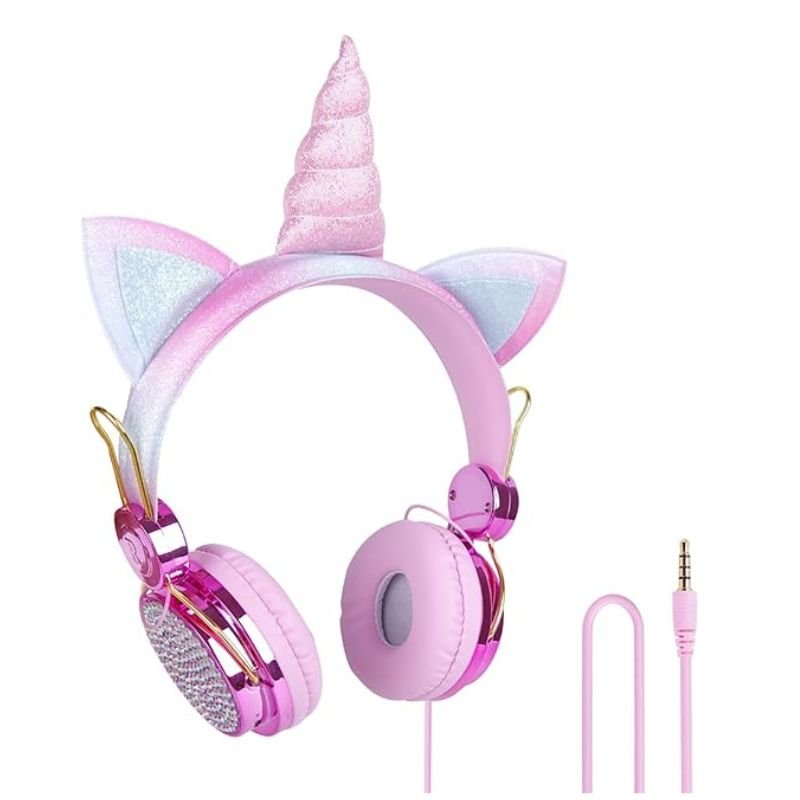
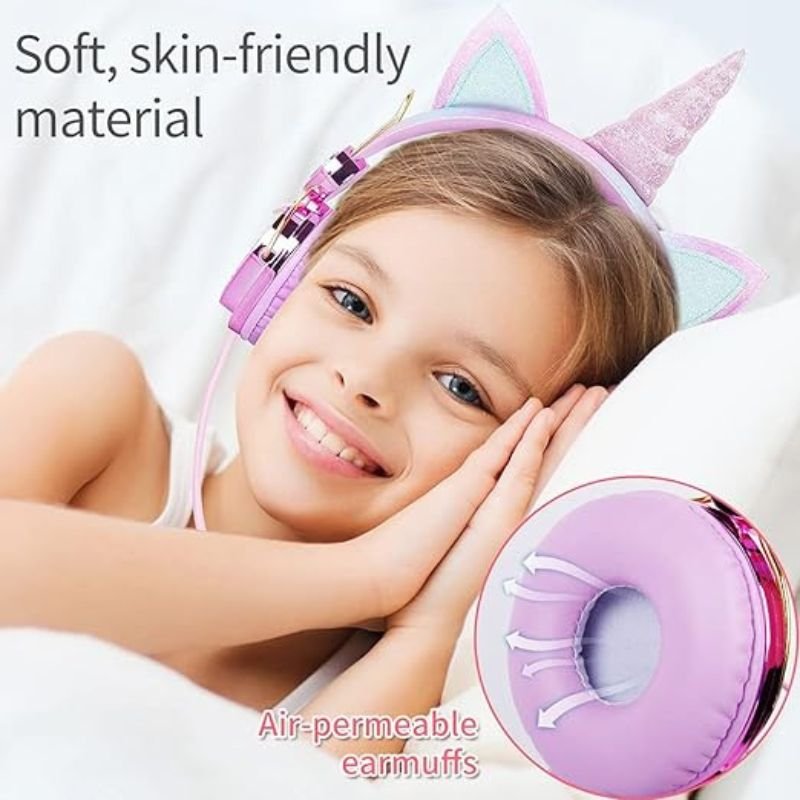
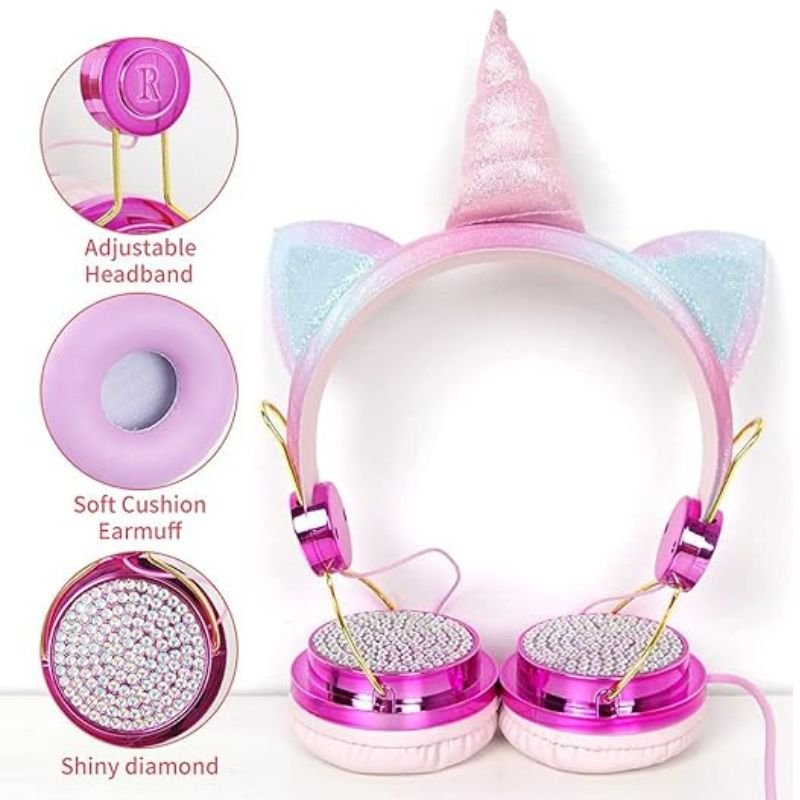
The AH-808 Kids Wireless Headphone offers a delightful audio experience tailored for young users. With its lightweight design and comfortable fit, it ensures hours of enjoyable listening. Equipped with wireless connectivity, it provides freedom of movement, while built-in volume limiting ensures safe usage for children’s delicate ears. Whether for music, movies, or games, the AH-808 Kids Wireless Headphone delivers quality sound in a fun and vibrant package, making it a perfect companion for kids’ entertainment needs.
2.900 OMR
متوفر في المخزون
1. Unboxing: Carefully remove the AH-808 Kids Wireless Headphone from its packaging. Ensure all components, including the headphone, charging cable, and user manual, are present and in good condition.
2. Charging: Connect the provided charging cable to the headphone’s charging port and plug the other end into a USB power source, such as a computer or wall adapter. Allow the headphone to charge until the indicator light shows it’s fully charged.
3. Powering On: Once fully charged, locate the power button on the headphone. Press and hold the power button to turn on the headphone. You may see a light indicator confirming that the headphone is powered on.
4. Pairing: Enable Bluetooth on your device (e.g., smartphone, tablet, or computer) and put it in pairing mode. Press and hold the Bluetooth button on the headphone until you see the indicator light flashing, indicating it’s in pairing mode. Select “AH-808” from the list of available devices on your device’s Bluetooth settings to pair them.
5. Adjustments: Put on the headphone and adjust the headband for a comfortable fit. Ensure the
 أقل سعر
 الخدمة والإصلاح

 أحدث
أحدث
لا توجد مراجعات حتى الآن.