
 New Arrivals
 Offers
 Service & Repair

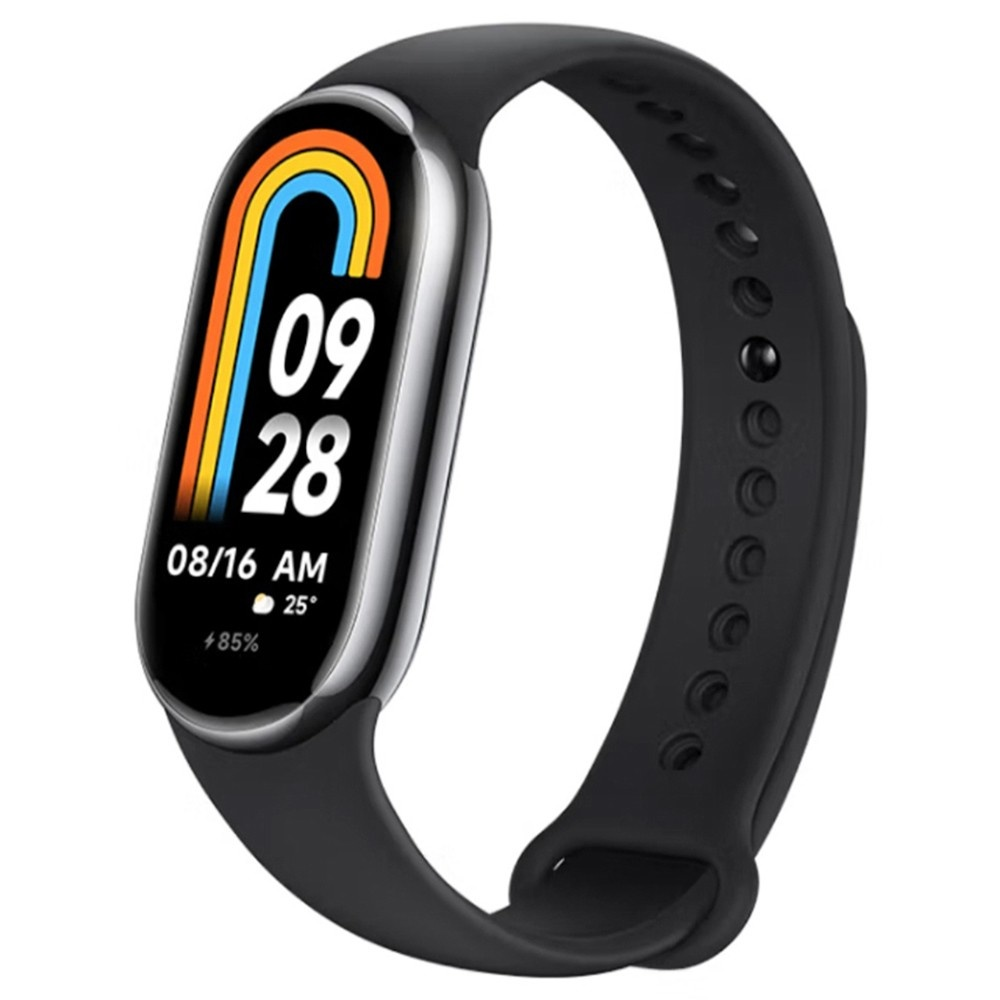
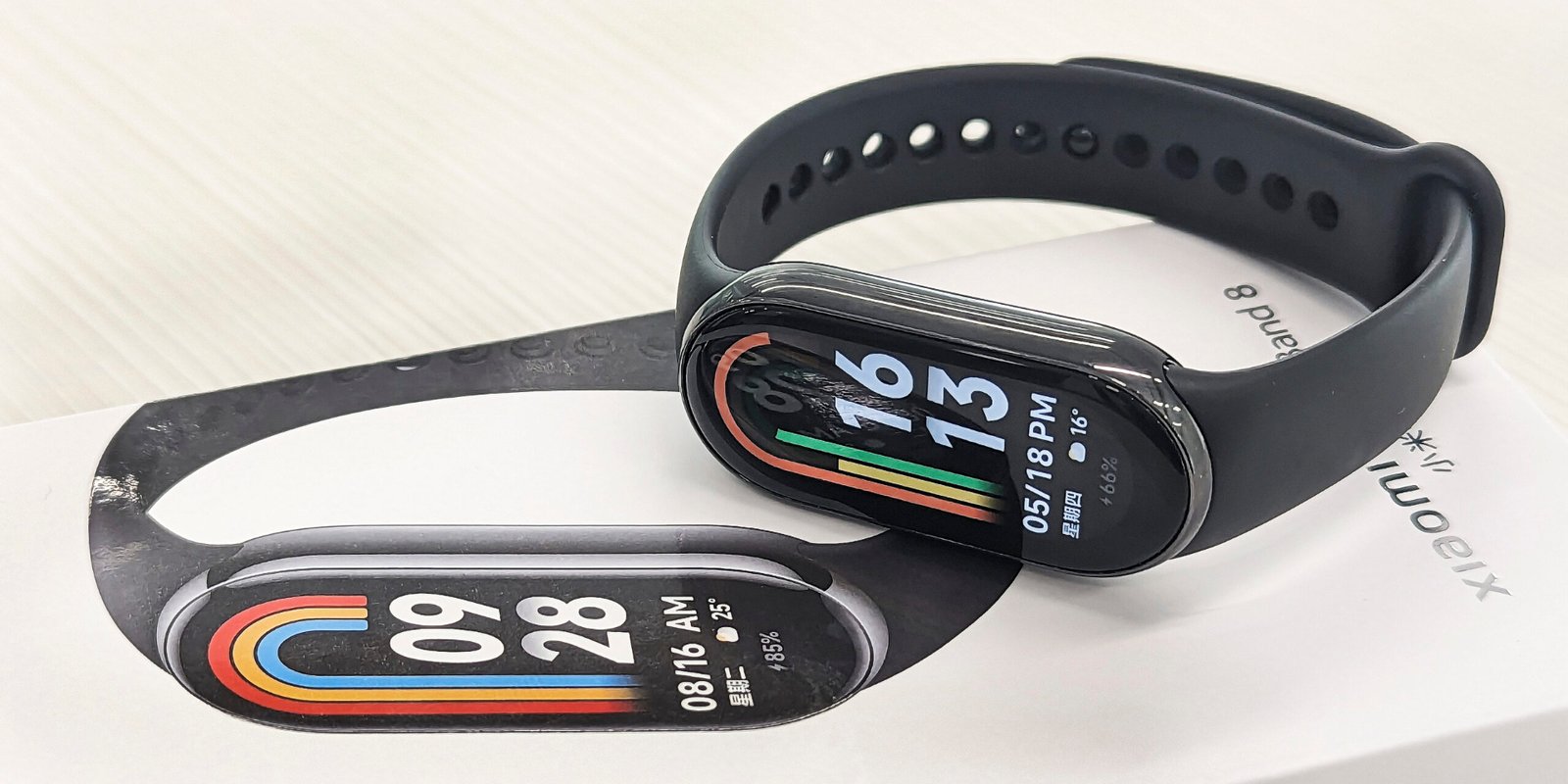
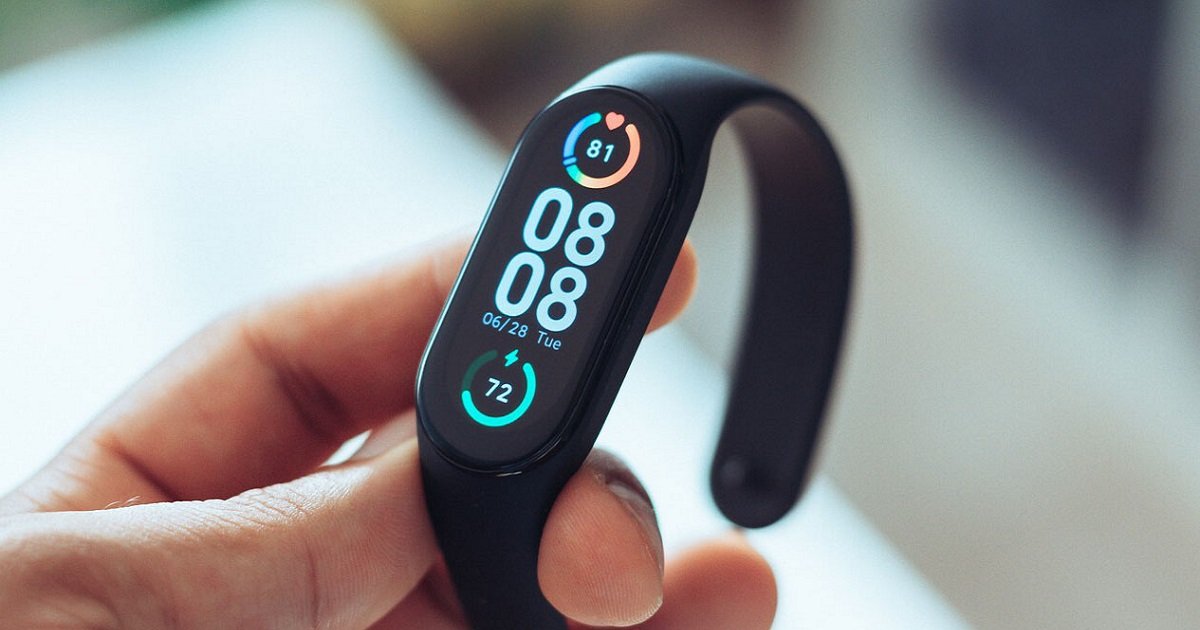
Xiaomi Mi Band 8
SKU: XiaomiMiBand8
Out of stock
| Style | Modern |
| Screen size | 1.62 Inches |
| Special features | Heart Rate Monitor |
| Shape | Rectangular |
Out of stock
The Xiaomi Mi Band 8 hasn’t been released yet, as of my last update in January 2022. If you’re referring to a hypothetical future release, I can’t provide specific instructions. However, I can offer a general guide for setting up and using a Xiaomi Mi Band, based on previous models:
1. **Unboxing and Charging**: Upon receiving your Xiaomi Mi Band 8, unbox it carefully and locate the charging cable. Connect the charging cable to a power source and attach it to the Mi Band to charge it fully before initial use.
2. **Download Mi Fit App**: Install the Mi Fit app on your smartphone from the Google Play Store (for Android) or the Apple App Store (for iOS). Open the app and create or log in to your Mi account.
3. **Pairing with Smartphone**: Turn on Bluetooth on your smartphone and open the Mi Fit app. Follow the on-screen instructions to pair your Xiaomi Mi Band 8 with your smartphone. Make sure the Mi Band is in close proximity to your smartphone during the pairing process.
4. **Setting Up**: Once paired, the Mi Fit app will guide you through the setup process. You may need to provide basic information such as your age, gender, height, and weight to personalize your experience.
5. **Exploring Features**: After setup, explore the various features of your Xiaomi Mi Band 8 using the Mi Fit app. These may include activity tracking, heart rate monitoring, sleep tracking, notifications, and more. Customize your preferences within the app to tailor the Mi Band to your needs.
There are no reviews yet.