
 New Arrivals
 Offers
 Service & Repair

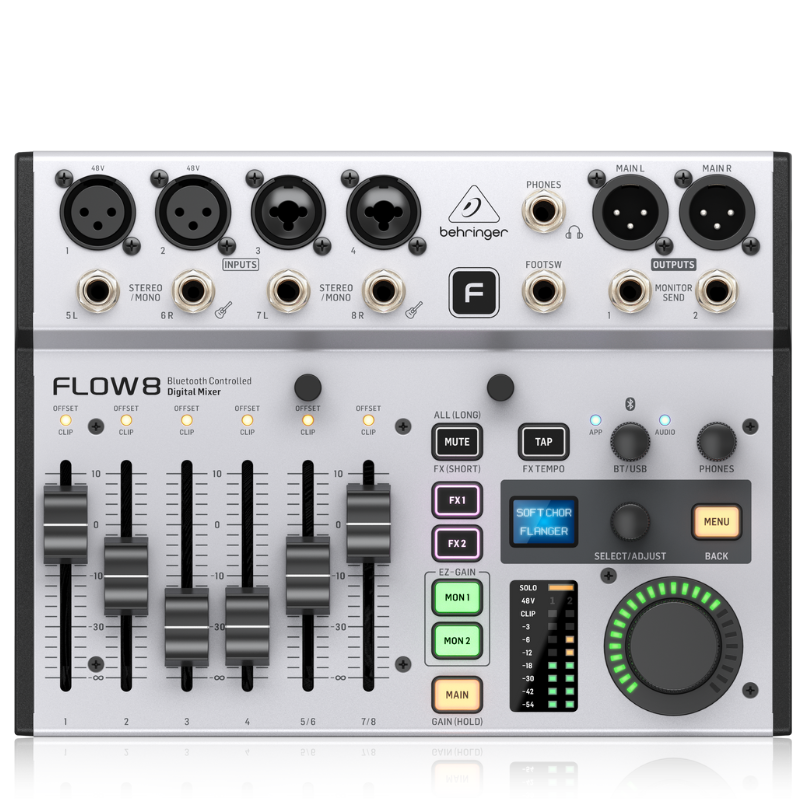
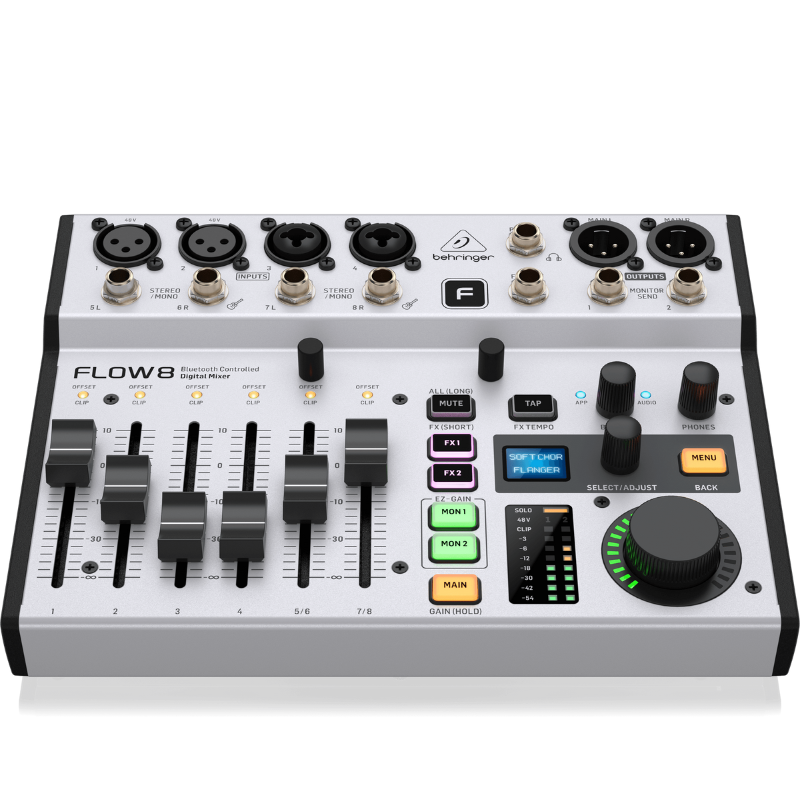
Behringer Flow 8 Mixer
SKU: 1402000044
In stock
The Behringer Flow 8 is a compact digital mixer designed for versatility in live sound, podcasting, and studio recording. It features 8 input channels with XLR/TRS combo jacks, along with USB connectivity for multi-track recording and playback. The Flow 8 includes built-in effects, EQ, and dynamics processing, offering musicians and podcasters intuitive control over their audio. With Bluetooth connectivity for streaming and easy integration with mobile devices, it’s ideal for creators seeking a portable yet powerful solution for audio mixing and production.
148.000 OMR
In stock
1. **Connect Audio Sources**: Begin by connecting your microphones, instruments, or other audio sources to the input channels using XLR or TRS combo jacks. Ensure each input is securely connected.
2. **Set Input Levels**: Adjust the input gain controls for each channel to set appropriate levels for your audio sources. Use the LED meters to monitor input levels and avoid clipping.
3. **Adjust EQ and Effects**: Utilize the built-in EQ and effects to shape and enhance your audio. Each channel on the Flow 8 offers EQ controls for fine-tuning frequencies, as well as effects such as reverb and delay to add depth and ambiance.
4. **Mixing**: Use the faders and pan knobs to balance and mix the levels of each channel. Adjust the pan knobs to position each channel within the stereo field as needed for your mix.
5. **Output and Monitoring**: Connect your main speakers or amplifiers to the main outputs of the Flow 8. Use the headphone output for monitoring purposes, adjusting the headphone level to ensure accurate listening during mixing and recording.
Brand
BEHRINGER
Based on 0 reviews
Be the first to review “Behringer Flow 8 Mixer”
Related products
-
Microphones, Music
Boya By Wm8 Pro K2 Uhf Dual Channel Wireless Microphone
*Ideal for interviews, ENG/EFP,film production *compander for high quality and clear sound *dual channel wireless receiver *48 UHF channels * more than 6 hours continuous operation * operation range cn rech upto 100m (wihout obstacle) * automatic LCD locked function *easy to read LCD disply
SKU: BOYA BY WM8 PRO K2 UHF DUAL CHANNEL WIRELESS MICROPHONE -
Microphones, Music
Boya By Wm4 Pro K3 2.4ghz Wireless Microphone System
*Ideal for youtube,vloggings,podcasts,mobile journalism and more *digital 2.4GHZwirleless system *apple MFI certified lightning connector *compatible with iOS device:ipad,iphone,ipod touch *master volume control *omnidirectional lavalier microphone included
SKU: BOYA BY WM4 PRO K3 2.4GHz WIRELESS MICROPHONE


There are no reviews yet.