
 New Arrivals
 Offers
 Service & Repair

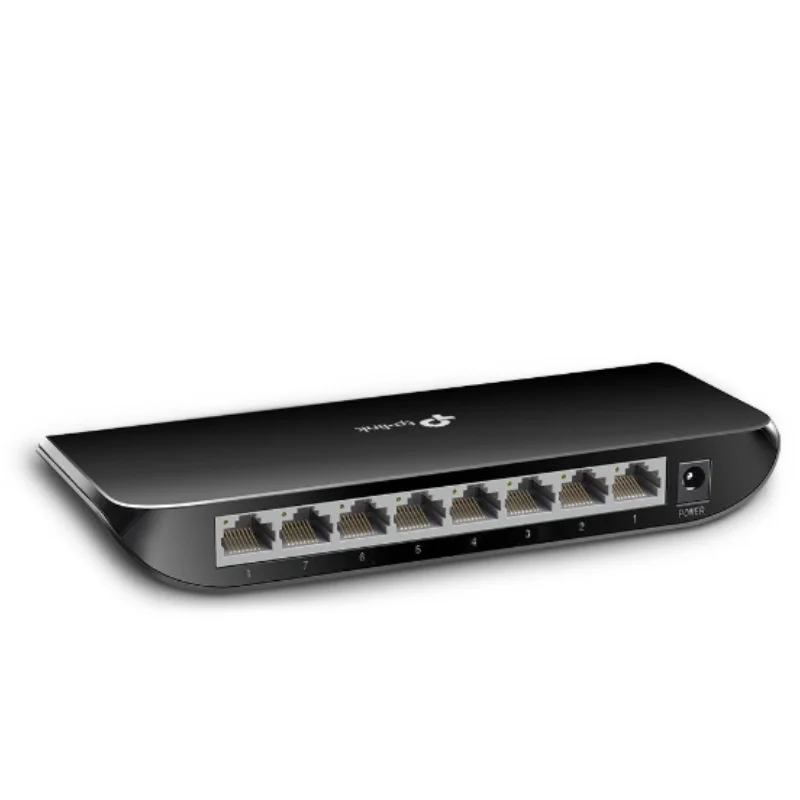
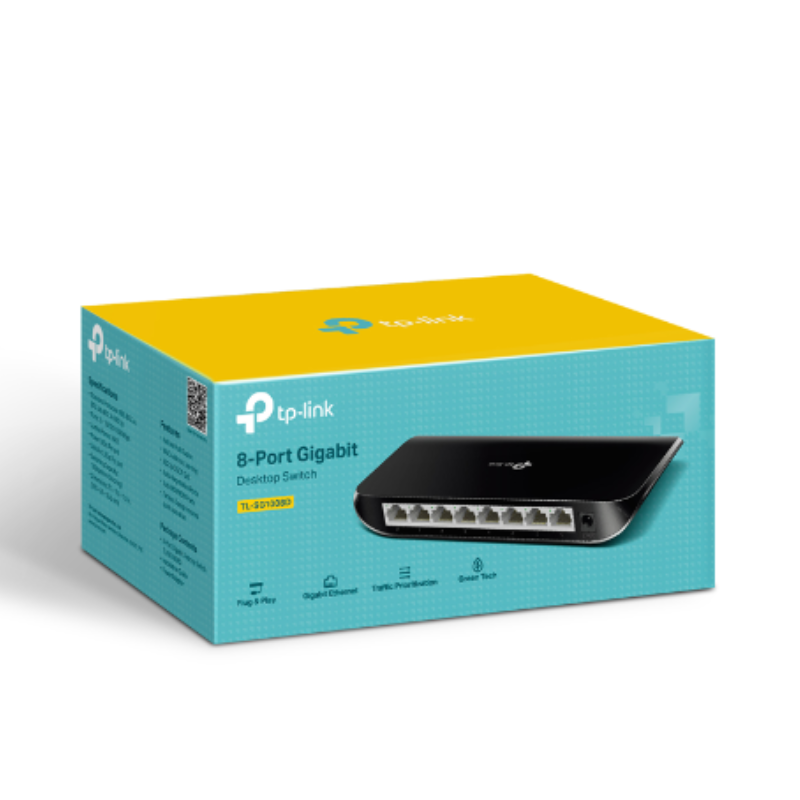
Tp-Link Networking Switch 8 Port Gigabit SG1008D
SKU: 0306000154
In stock
Here’s the short description for the TP-Link 8-Port Gigabit Desktop Switch TL-SG1008D:
The TP-Link TL-SG1008D is an 8-port Gigabit desktop switch that offers high-speed, reliable connectivity for home or office networks. It’s plug-and-play, energy-efficient, and easy to set up with no configuration required.
6.900 OMR
In stock
-
Unbox the Switch
-
Open the box and remove the TP-Link TL-SG1008D and all its accessories.
-
Ensure you have the switch, power adapter, and installation guide.
-
-
Position the Switch
-
Place the switch on a flat, stable surface, such as a desk or shelf.
-
Optionally, mount it on the wall using the included mounting kit.
-
-
Connect Power
-
Plug the power adapter into the switch and connect it to an electrical outlet.
-
The switch will power up automatically once plugged in.
-
-
Connect Ethernet Devices
-
Use Ethernet cables to connect your devices (computers, printers, or routers) to the 8 available ports on the switch.
-
Ensure each Ethernet cable is firmly plugged into the switch and the connected device.
-
-
Verify Connection
-
Check the LED indicators next to each port. A green or amber LED shows an active connection, and blinking lights indicate data transfer.
-
-
Maintenance
-
Keep the switch in a well-ventilated area to prevent overheating.
-
Regularly check the Ethernet cables and switch for any issues or damage.
-
Brand
TP-LINK
Based on 0 reviews
Be the first to review “Tp-Link Networking Switch 8 Port Gigabit SG1008D”
Related products
-
Electronics, Stock Clearance
DOBE PS4 TP4 023B Charging STAND
All in One Design: Game console vertical stand + cooling fans + controller charging station + USB ports.
Vertical Stand: Space-saving designed exclusively for the PlayStation 4, keep your console to be used steady in a vertical position.
2 Controller Charging Ports: Charge 2 game controllers simultaneously, saving your time when need to charge the controllers.
Dual Cooling Fan: Keep your PS4 cool with the cooling system and prolong the lifespan of your PS4 console.
SKU: DOBE PS4 TP4 023B Charging STAND

There are no reviews yet.