
 New Arrivals
 Offers
 Service & Repair


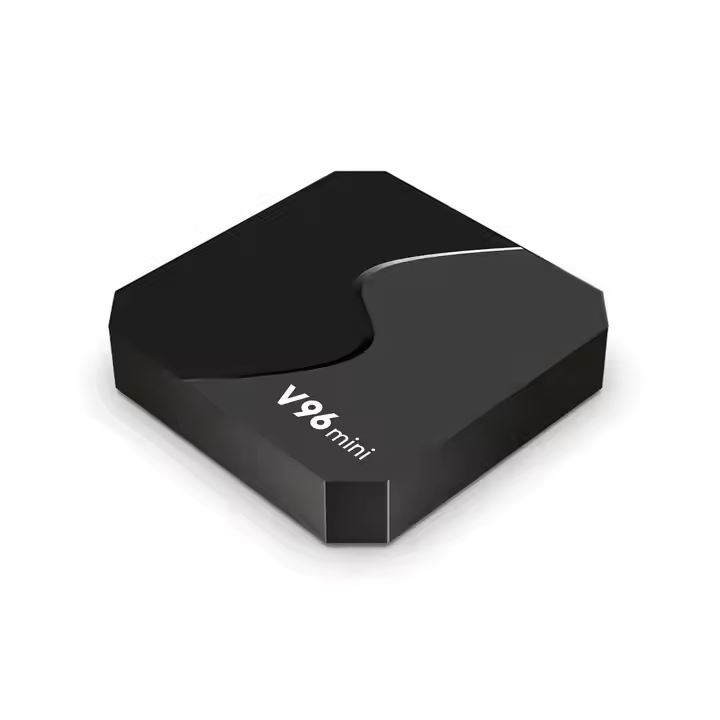
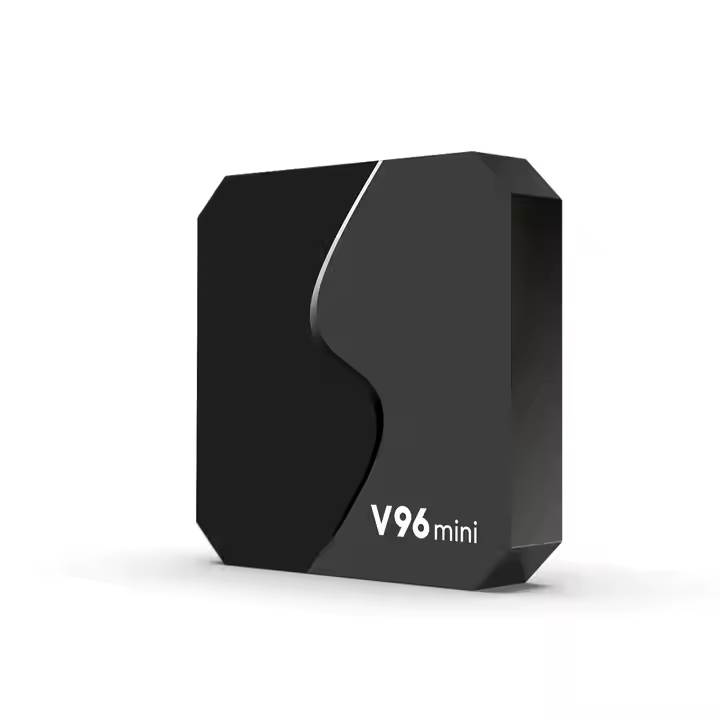
Cleo-EL V96 Mini 4K Hd Ultra Set-top Tv Box
SKU:
Out of stock
Transform your TV into a smart entertainment hub with the Cleo-EL V96 Mini 4K HD Ultra Set-Top TV Box. Powered by Android 9.0 and equipped with a quad-core processor, it supports 4K video playback, allowing you to enjoy high-definition content from various streaming platforms. The device features dual-band Wi-Fi connectivity, ensuring stable internet access for seamless streaming. With a user-friendly interface and easy setup, the V96 Mini is an excellent choice for those seeking an affordable way to enhance their TV viewing experience.
Out of stock
-
Unbox the Device
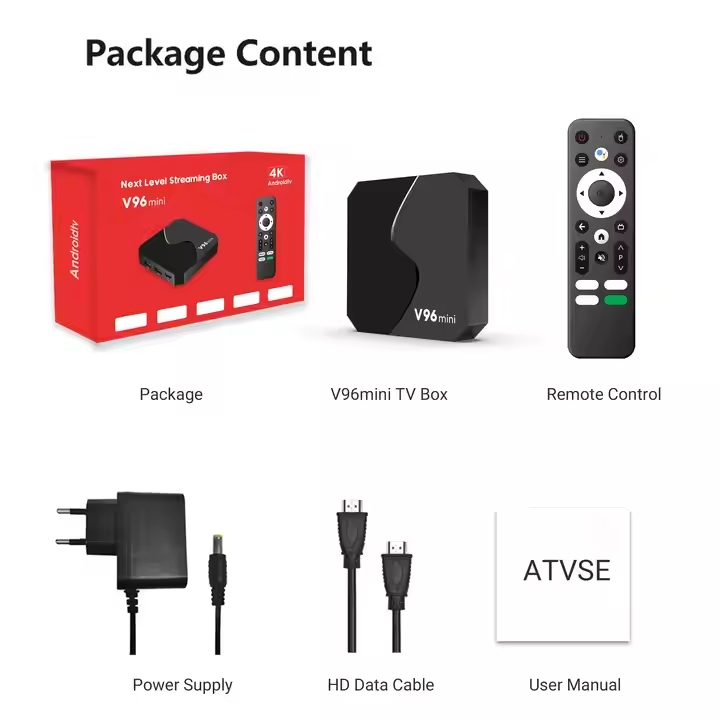
Inside the box, you’ll find the V96 Mini TV Box, power adapter, HDMI cable, remote control, and user manual. -
Connect to Your TV
Use the included HDMI cable to connect the V96 Mini to your television. -
Power It On
Plug in the power adapter and turn on the device using the remote or power button. -
Initial Setup
Follow the on-screen instructions to choose your language, connect to Wi-Fi or Ethernet, and sign in with your Google account (if required). -
Home Screen Navigation
Access the Android-based interface with easy-to-use icons for apps, settings, and media playback. -
Install Apps
Visit the Google Play Store or pre-installed app store to download popular streaming services like YouTube, Netflix, or IPTV apps. -
Enjoy 4K Content
Stream ultra-high-definition videos and TV shows in 4K resolution for an enhanced viewing experience. -
Customize Your Experience
Add or remove apps, adjust system settings, and connect Bluetooth accessories like keyboards or controllers as needed.
There are no reviews yet.