
 New Arrivals
 Offers
 Service & Repair

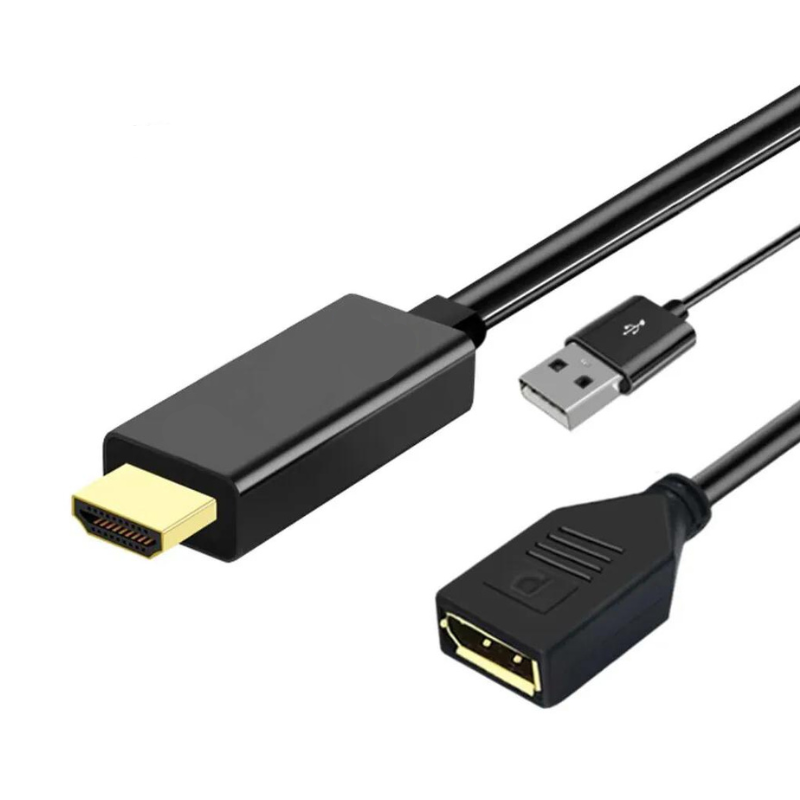
Haysenser Hdmi To Display Adapter
SKU: HAYSENSER HDMI TO DISPLAY ADAPTER
In stock
The Haysenser HDMI to Display Adapter is a compact and versatile device designed to connect HDMI-enabled devices to displays with different input types, such as VGA or DVI. It offers high-resolution video output and reliable performance, making it ideal for presentations, streaming, or extending your display setup. Its plug-and-play design ensures easy setup with no additional drivers required.
6.000 OMR
In stock
1. **Connect HDMI Source**: Plug the HDMI connector of the adapter into the HDMI output port of your source device, such as a laptop or media player.
2. **Attach Display**: Connect the adapter’s output port to your display device, which could be a VGA, DVI, or other compatible input type, depending on the specific model of the adapter.
3. **Power On**: Ensure both your source device and display are powered on and set to the correct input/source settings.
4. **Configure Settings**: Adjust the display settings on your source device if necessary to optimize resolution and ensure proper signal output.
5. **Enjoy**: Your source device’s video and audio should now be transmitted to the display, allowing you to view content or presentations with ease.
There are no reviews yet.