
 New Arrivals
 Offers
 Service & Repair

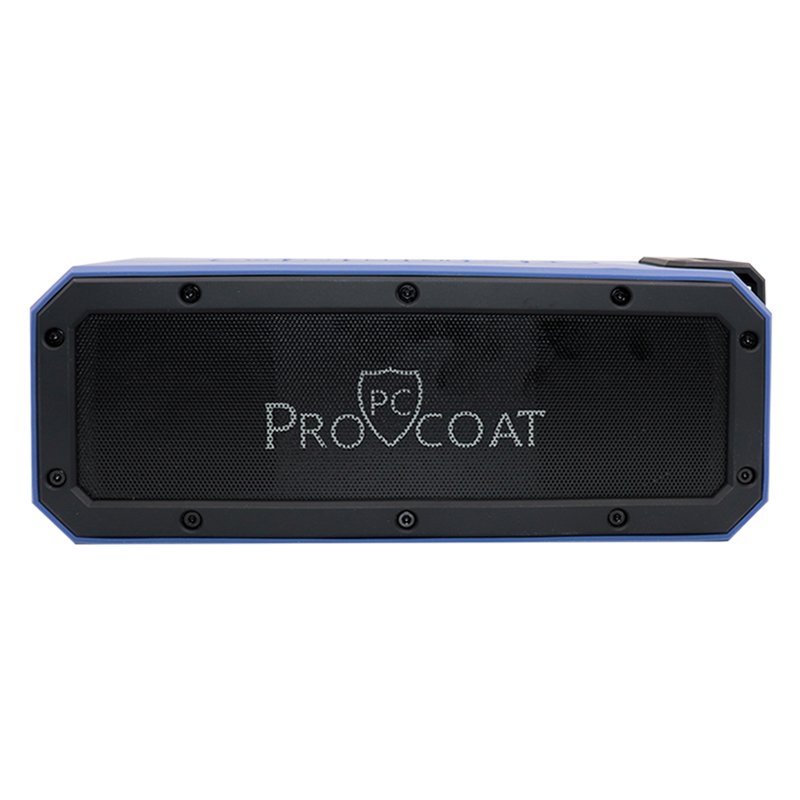
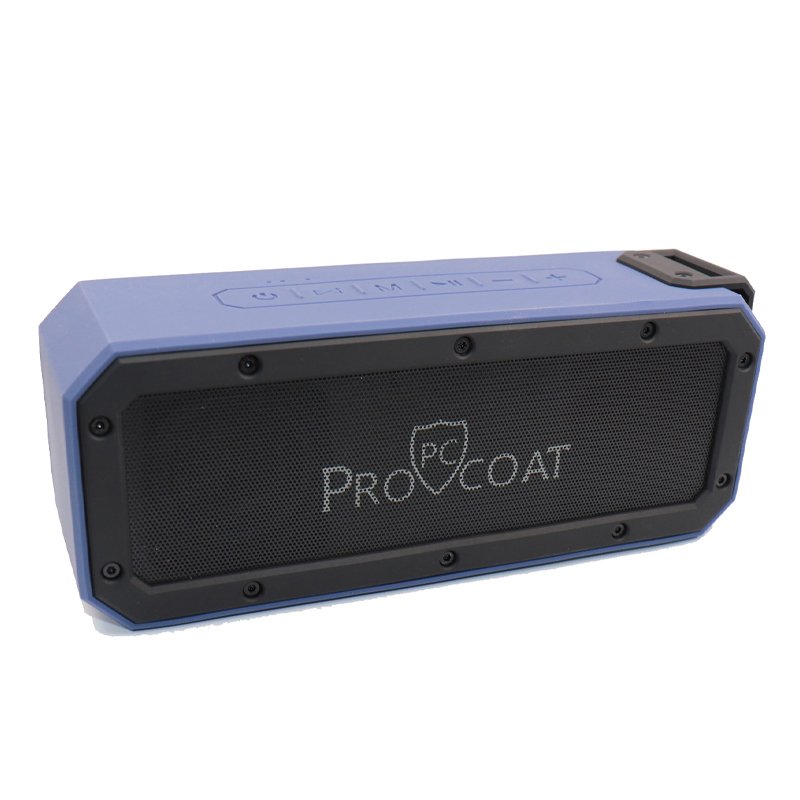

ProCoat S108 Wireless Speaker Music Feast
SKU: Procoat S108 Wireless Speaker Music Feast
Out of stock
The Pro-Coat S108 Wireless Speaker “Music Feast” delivers immersive sound and versatility for all your audio needs. With its wireless connectivity, enjoy seamless music streaming from your devices. Its sleek design and powerful performance make it a perfect companion for any occasion.
Out of stock
1. **Power On**: Begin by turning on the Pro-Coat S108 Wireless Speaker by pressing the power button located on the speaker. You should see an indicator light confirming that the speaker is powered on.
2. **Activate Bluetooth**: Enable Bluetooth on your smartphone, tablet, or other compatible device. Access your device’s Bluetooth settings and search for available devices. The Pro-Coat S108 should appear in the list of available devices.
3. **Pairing**: Select the Pro-Coat S108 from the list of available Bluetooth devices on your device. Once selected, you should hear a confirmation sound from the speaker, indicating that it has successfully paired with your device.
4. **Play Music**: Once paired, play your favorite music or audio on your device. The sound will be wirelessly streamed to the Pro-Coat S108 Wireless Speaker, providing you with high-quality audio playback.
5. **Adjust Settings**: Utilize any additional features or settings available on the Pro-Coat S108 Wireless Speaker, such as volume control, EQ settings, or playback controls. These may be accessible either directly on the speaker or through a companion app on your device.
There are no reviews yet.