
 New Arrivals
 Offers
 Service & Repair

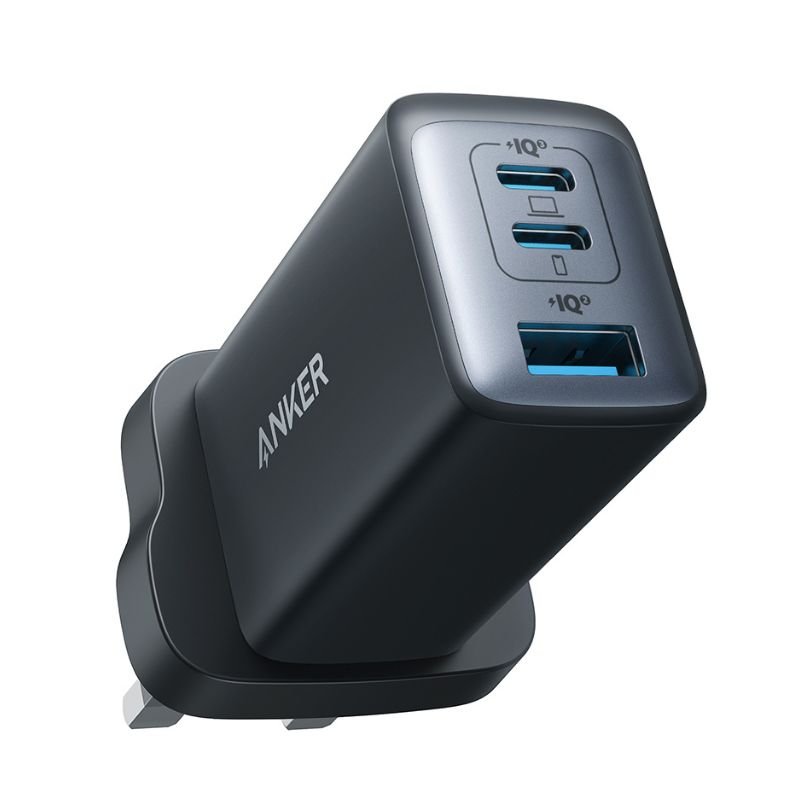
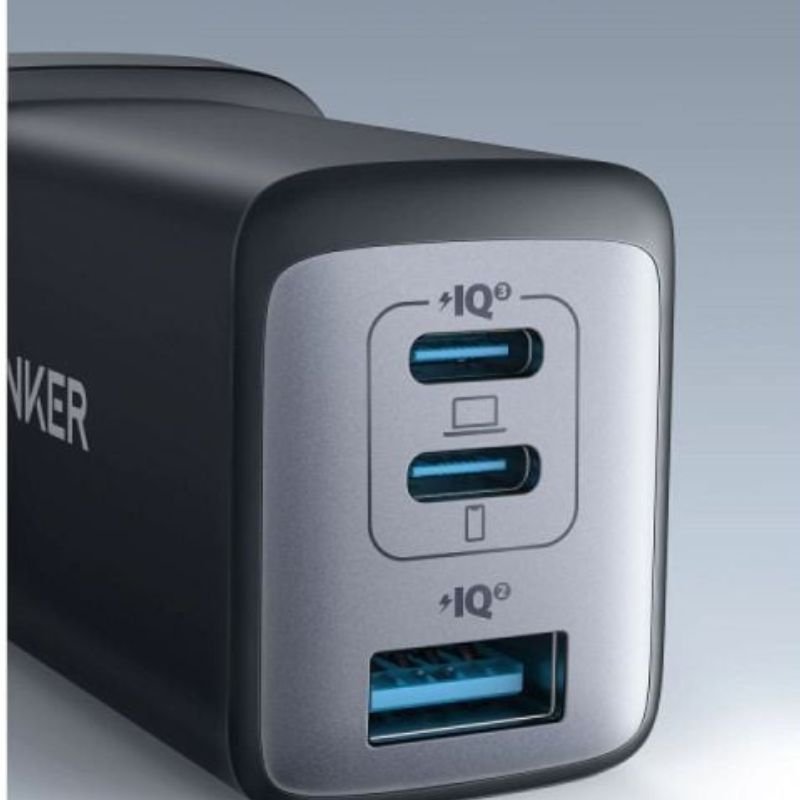

ANKER A2667K11 NANO II 65W PD ADAPTOR
SKU: ANKER A2667K11
Out of stock
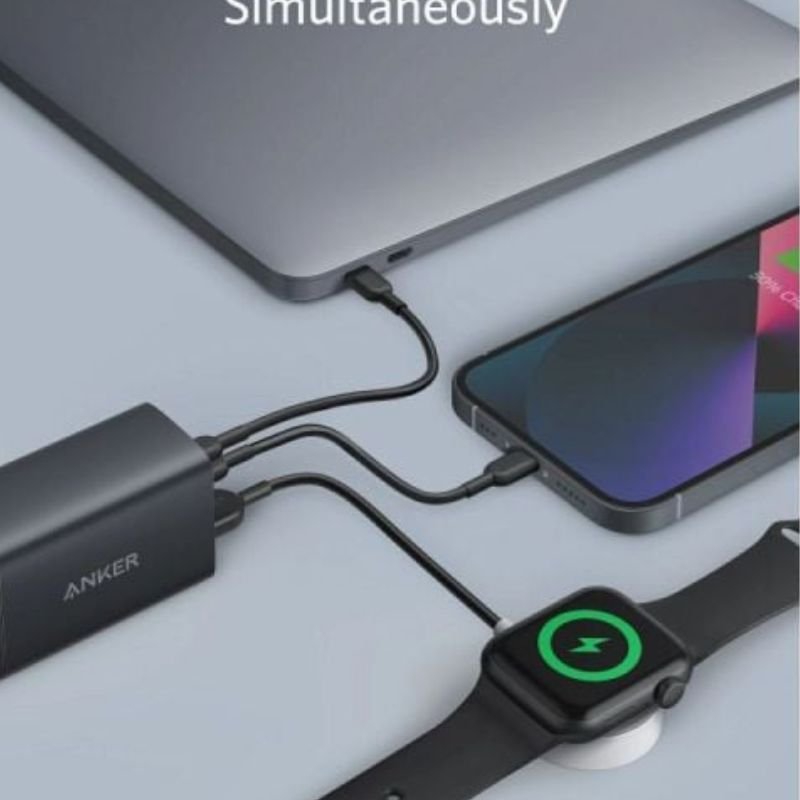
The ANKER A2667K11 NANO II 65W PD Adapter is a compact and powerful charging solution. With its 65W Power Delivery (PD) capability, it offers fast and efficient charging for a wide range of devices, from smartphones to laptops. Its small size makes it highly portable, perfect for travel or daily use. Equipped with advanced safety features, including temperature control and surge protection, it ensures safe and reliable charging every time.
Out of stock
1. **Connect the Adapter**: Begin by plugging the ANKER A2667K11 NANO II 65W PD Adapter into a compatible power outlet. Ensure that the outlet is in good condition and provides a stable power supply.
2. **Plug in Your Device**: Use the appropriate charging cable to connect your device to the adapter. This adapter supports various devices, including smartphones, tablets, laptops, and more, that are compatible with USB-C charging.
3. **Check the LED Indicator**: The adapter may feature an LED indicator to signal its status. Verify that the LED is illuminated to confirm that the adapter is receiving power from the outlet.
4. **Charging Process**: Once your device is connected to the adapter, the charging process will begin automatically. The adapter’s Power Delivery (PD) technology ensures fast and efficient charging, delivering up to 65W of power to compatible devices.
5. **Monitor Charging Progress**: Keep an eye on your device’s battery level to monitor the charging progress. Most devices will display a charging icon or indicator to show that they are receiving power. You can also check the device’s battery percentage to see how much it has charged.
There are no reviews yet.