
 New Arrivals
 Offers
 Service & Repair

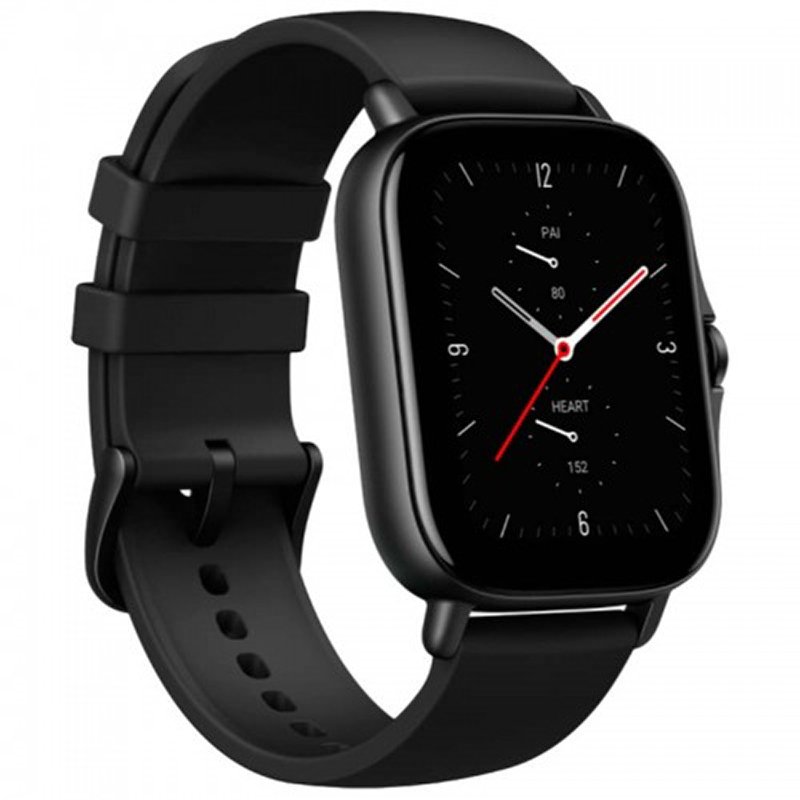
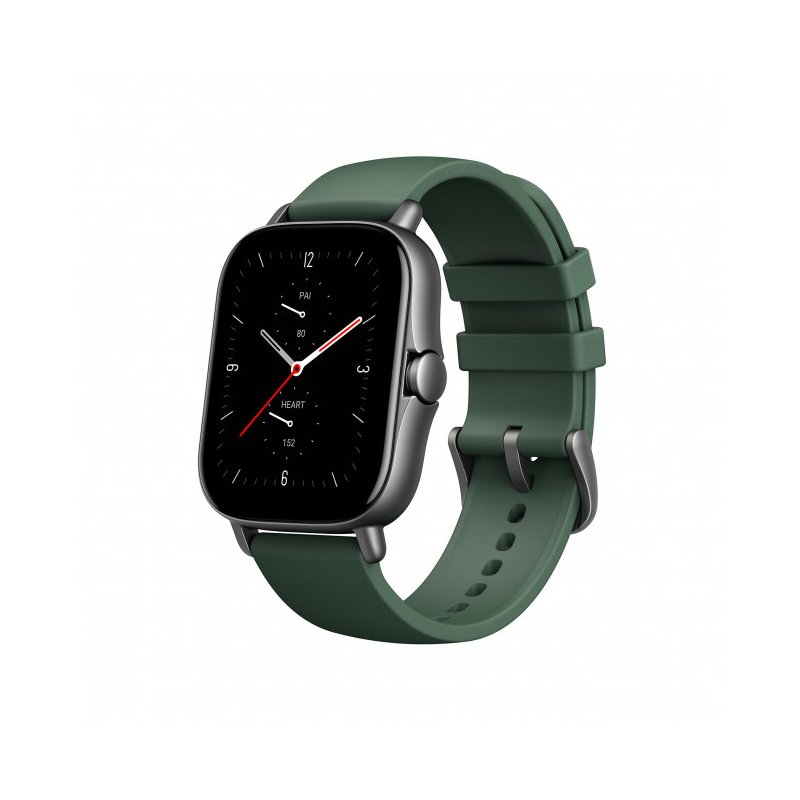
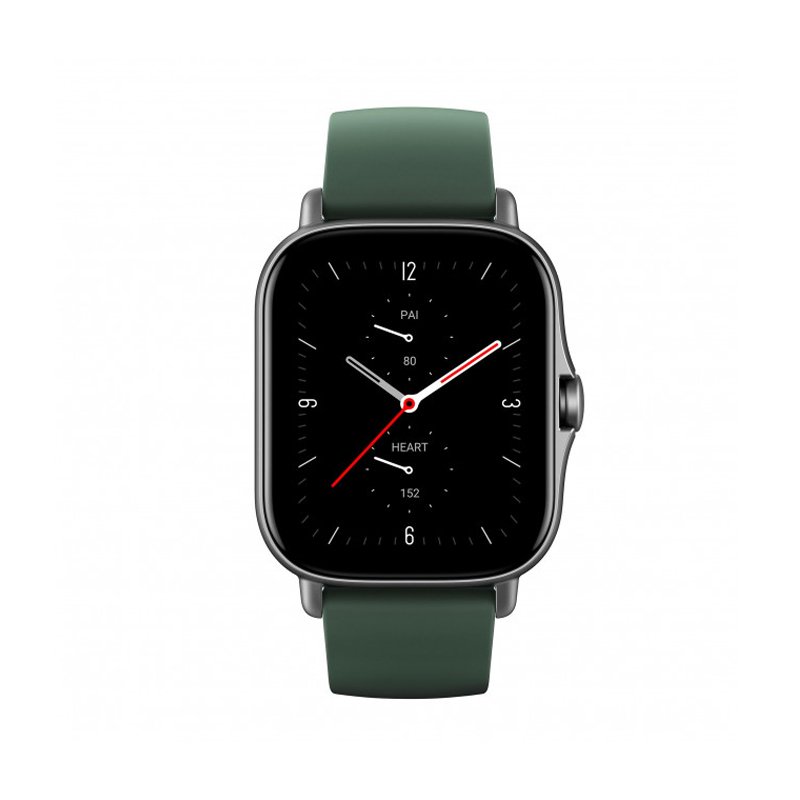
Amazfit GTS 2E A2021 SMART WATCH BLACK / GREEN
SKU: Amazfit GTS 2E A2021 SMART WATCH BLACK / GREEN
Out of stock
The Amazfit GTS 2E A2021 Smart Watch in Black/Green combines style and functionality, featuring a vibrant color combination and a range of smart features. With its sleek design and comprehensive fitness tracking capabilities, including heart rate monitoring and sleep analysis, it’s the perfect companion for an active lifestyle. Stay connected with notifications, control music playback, and enjoy long battery life, all on a vibrant AMOLED display.
Out of stock
1. **Unboxing**: Carefully open the packaging of the Amazfit GTS 2E A2021 Smart Watch and remove all contents.
2. **Inspect Contents**: Ensure that all components listed in the user manual are included in the package. This typically includes the smartwatch, charging cable, user manual, and any additional accessories.
3. **Charging the Watch**: Connect the charging cable to the charging port on the back of the smartwatch. Connect the other end of the cable to a power source and allow the watch to charge until it’s fully charged. The charging indicator should illuminate when charging and turn off when fully charged.
4. **Power On**: Press and hold the power button on the side of the smartwatch to turn it on. Follow the on-screen instructions to select your preferred language and set up the initial settings.
5. **Pairing with Phone**: Download and install the Amazfit app on your smartphone from the App Store (for iOS) or Google Play Store (for Android). Open the app and follow the on-screen instructions to pair the smartwatch with your phone via Bluetooth.
6. **Set Up Watch Face**: Customize the watch face of your Amazfit GTS 2E A2021 Smart Watch by selecting a pre-installed watch face or downloading one from the Amazfit app.
7. **Adjust Settings**: Explore the settings menu on the smartwatch to adjust various settings such as display brightness, notifications, alarms, and more to your preferences.
8. **Fitness Tracking**: Use the built-in fitness tracking features of the smartwatch to track your daily activities, including steps taken, distance traveled, calories burned, heart rate, and sleep quality.
9. **Notifications**: Enable notifications on the smartwatch to receive alerts for incoming calls, text messages, emails, and app notifications directly on your wrist.
10. **Additional Features**: Explore other features of the Amazfit GTS 2E A2021 Smart Watch, such as music control, weather forecasts, stopwatch, timer, and more.
11. **Wearing the Watch**: Adjust the strap of the smartwatch to fit comfortably on your wrist. Ensure that the watch is securely fastened to prevent it from slipping off.
12. **Charging and Maintenance**: When the battery is low, recharge the smartwatch using the provided charging cable. Keep the smartwatch clean by wiping it with a soft, dry cloth regularly. Avoid exposing it to water or extreme temperatures to prevent damage.
By following these steps, you can effectively set up and use the Amazfit GTS 2E A2021 Smart Watch to track your fitness, receive notifications, and enjoy other smart features on your wrist.
There are no reviews yet.