
 أقل سعر
 الخدمة والإصلاح

 أحدث
أحدث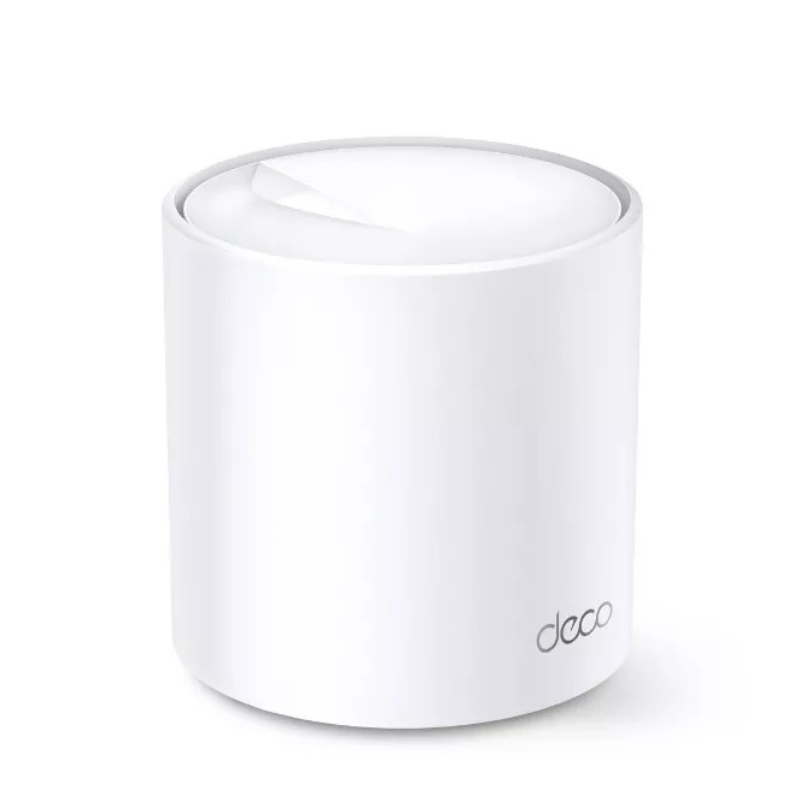
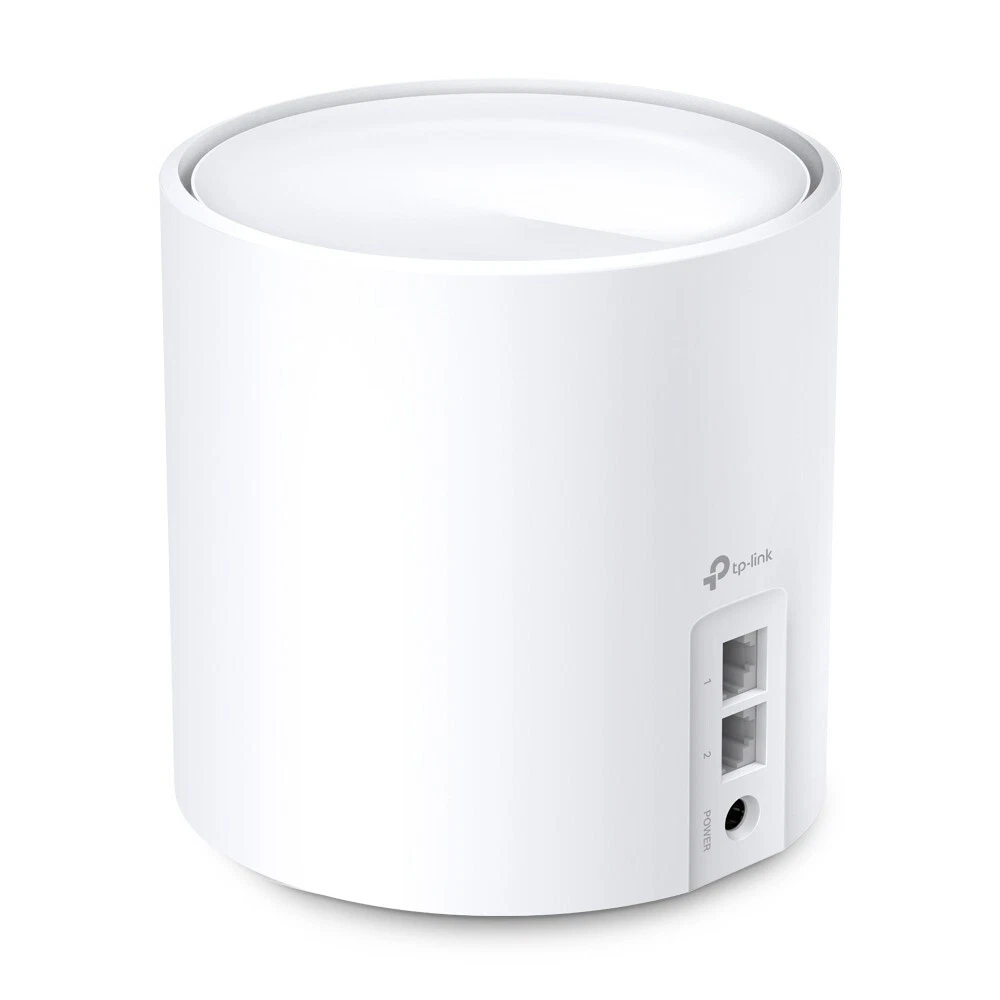
Tp-link Whole Home Mesh Wifi 6 System Deco X20 Ax 1800
SKU:
The TP-Link Deco X20 AX1800 is a Wi-Fi 6 mesh system that provides seamless whole-home coverage with speeds up to 1.8 Gbps. It supports up to 150 devices, offers robust security features, and is easy to set up using the Deco app.
30.900 OMR
-
Unbox the System
-
Remove the Deco X20 units and all included accessories from the packaging.
-
Ensure you have the Deco units, power adapters, Ethernet cables, and quick installation guide.
-
-
Position the Main Deco Unit
-
Place the primary Deco unit near your modem or internet source.
-
Ensure it’s on a flat, stable surface and away from obstructions.
-
-
Connect to the Internet
-
Plug one end of the provided Ethernet cable into the Deco unit’s WAN port.
-
Connect the other end to your modem or internet source.
-
-
Power On the Main Deco Unit
-
Insert the power adapter into the Deco unit’s power port.
-
Plug the adapter into a power outlet. The Deco unit should power on automatically.
-
-
Set Up Additional Deco Units
-
Place additional Deco units in different areas of your home to extend coverage.
-
Connect each unit to a power outlet.
-
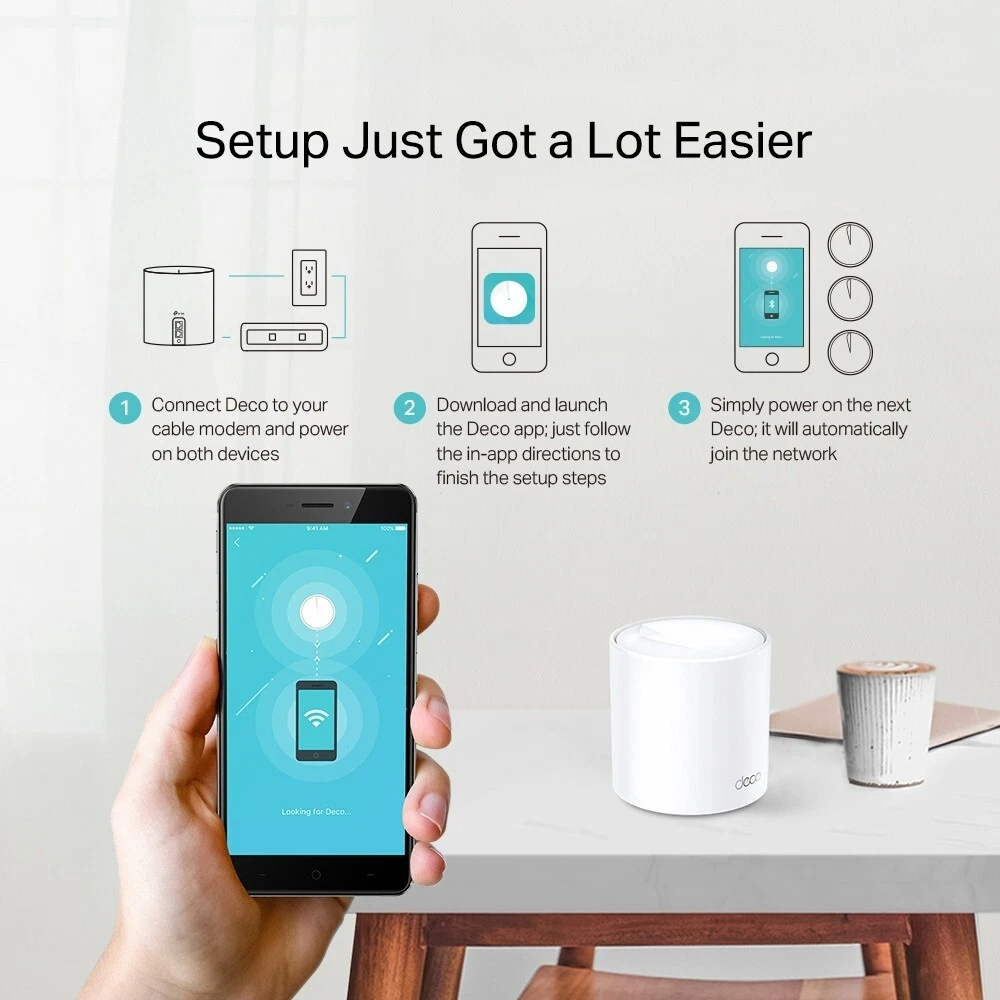
The units will automatically connect to the main Deco unit, forming a mesh network
-
-
Download the Deco App
-
Install the TP-Link Deco app on your smartphone.
-
Follow the in-app instructions to complete the setup process
-
Configure Your Network
-
Use the Deco app to set up your Wi-Fi network name (SSID) and password.
-
Configure additional settings such as guest networks, parental controls, and security features
-
Monitor and Manage Your Network
-
Use the Deco app to monitor connected devices, run speed tests, and manage network settings.
-
Regularly check for firmware updates to ensure optimal performance.
-

لا توجد مراجعات حتى الآن.