
 أقل سعر
 الخدمة والإصلاح

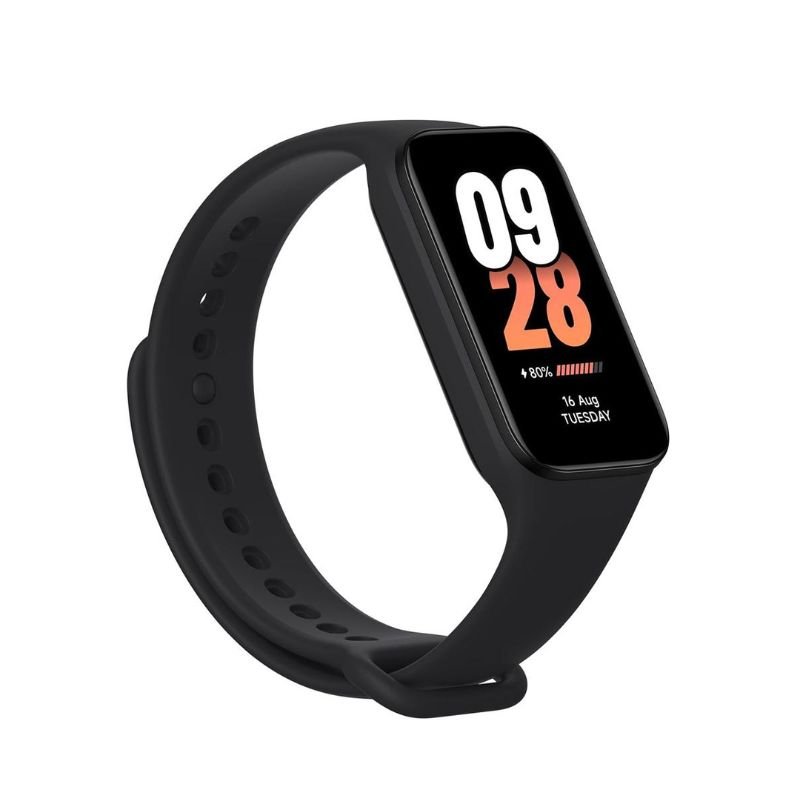
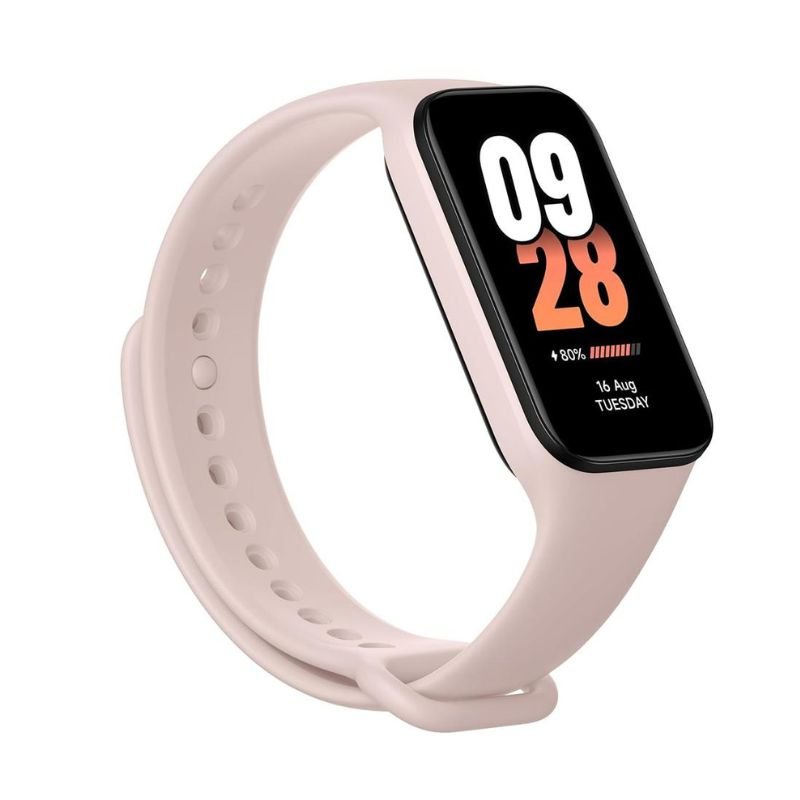
XIAOMI MI Band 8 Active – Black / Pink
SKU: XIAOMI MI Band 8 Active - Black / Pink
غير متوفر في المخزون
The XIAOMI MI Band 8 Active is a cutting-edge fitness tracker designed to empower users with comprehensive health and activity monitoring. Boasting advanced features such as heart rate tracking, sleep monitoring, and activity tracking, it provides real-time insights into your fitness journey. With its sleek design and customizable watch faces, it seamlessly blends into your lifestyle, while its long battery life ensures uninterrupted usage. Stay motivated and informed on your health and wellness goals with the XIAOMI MI Band 8 Active.
1. **Setup and Charging:** Begin by unboxing your XIAOMI MI Band 8 Active and charging it using the included charger. Connect the charger to a power source and attach the charging dock securely to the back of the device. Allow it to charge until the battery indicator shows a full charge.
2. **Pairing with Smartphone:** Download and install the Xiaomi Wear or Mi Fit app on your smartphone from the App Store (iOS) or Google Play Store (Android). Open the app and follow the on-screen instructions to create or log in to your Xiaomi account. Then, navigate to the device pairing section and follow the prompts to pair your MI Band 8 Active with your smartphone via Bluetooth.
3. **Personalization:** Once paired, customize your MI Band 8 Active according to your preferences. Set up your user profile, including details such as age, weight, and fitness goals. Explore the app to personalize watch faces, adjust notification settings, and configure other preferences to tailor the device to your needs.
4. **Activity Tracking:** Wear your MI Band 8 Active on your wrist throughout the day to track your activity and monitor your health metrics. The device automatically records steps taken, distance traveled, calories burned, and sleep patterns. Utilize the app to view detailed insights into your activity levels and progress towards your fitness goals.
5. **Syncing and Monitoring:** Regularly sync your MI Band 8 Active with the Xiaomi Wear or Mi Fit app to ensure that your activity data is up to date. Open the app to view comprehensive reports and statistics on your activity, sleep quality, heart rate, and more. Use this information to track your progress, identify areas for improvement, and stay motivated on your health and fitness journey.
لا توجد مراجعات حتى الآن.