
 أقل سعر
 الخدمة والإصلاح

 أحدث
أحدث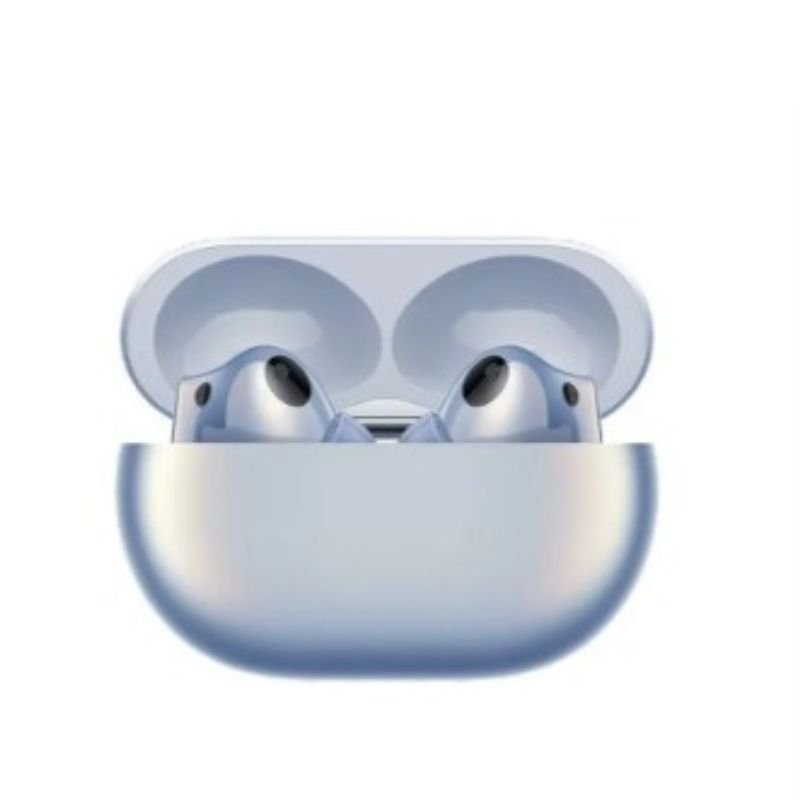
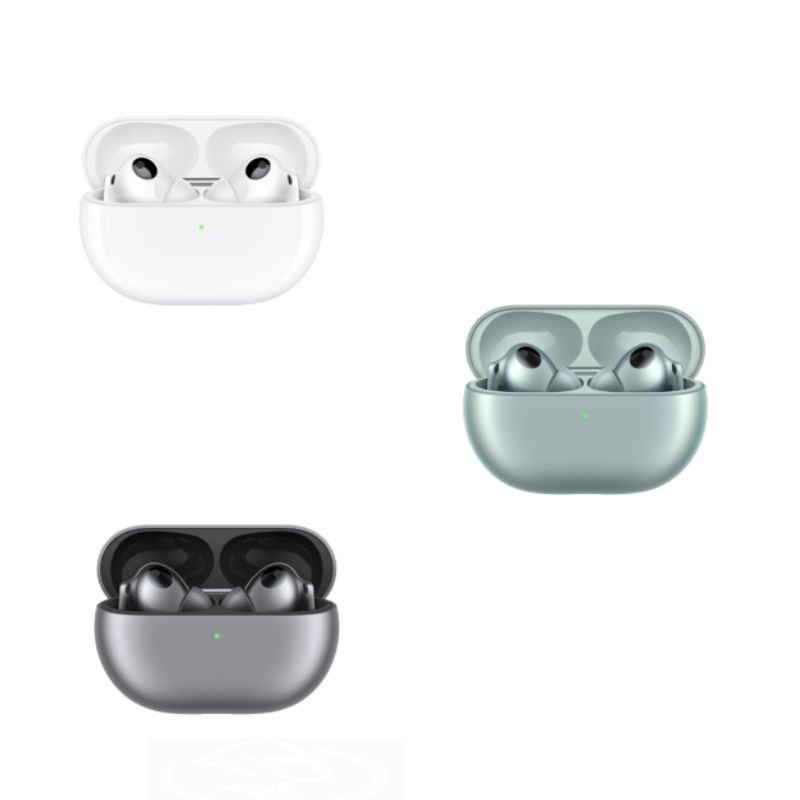
HUAWEI T0018 FreeBuds Pro3
SKU: 20208000275
غير متوفر في المخزون
The HUAWEI T0018 FreeBuds Pro 3 are premium wireless earbuds that offer an immersive audio experience. With active noise cancellation and dynamic drivers, they provide crystal-clear sound quality. The ergonomic design ensures a comfortable fit, while the long-lasting battery life keeps you connected throughout the day. The FreeBuds Pro 3 also feature intuitive touch controls and seamless connectivity with Huawei devices for a seamless user experience.
1. **Unboxing**: Carefully unbox the HUAWEI T0018 FreeBuds Pro 3, ensuring that all components, including the earbuds, charging case, charging cable, and any documentation, are present and undamaged.
2. **Charging the Case**: Before using the FreeBuds Pro 3, ensure that the charging case is sufficiently charged. Connect the charging cable to the charging port on the case and plug the other end into a power source such as a USB wall adapter or computer.
3. **Pairing with a Device**: Open the charging case to activate the earbuds. On your smartphone or other Bluetooth-enabled device, go to the Bluetooth settings and search for available devices. Select “HUAWEI FreeBuds Pro 3” from the list to pair the earbuds with your device.
4. **Fit and Comfort**: Choose the appropriate ear tips for a comfortable and secure fit. Insert the earbuds into your ears and adjust them until they fit snugly. The ergonomic design of the FreeBuds Pro 3 ensures a secure and comfortable fit for extended wear.
5. **Controls**: Familiarize yourself with the touch controls on the FreeBuds Pro 3. You can use touch gestures to play/pause music, answer/end calls, adjust volume, activate voice assistant, and more. Refer to the user manual for a complete list of touch controls and gestures.
6. **Audio Experience**: Enjoy high-quality audio playback with the HUAWEI FreeBuds Pro 3. The earbuds feature dynamic drivers and active noise cancellation technology to deliver immersive sound with crisp highs and deep bass.
7. **Monitoring Battery Life**: Keep track of the battery life of both the earbuds and the charging case. Most devices provide battery status indicators, either through LED lights on the case or through the connected device’s interface.
8. **Charging**: When the battery is low, place the earbuds back into the charging case to recharge them. Ensure that the case is charged as well to provide power to the earbuds when needed.
لا توجد مراجعات حتى الآن.